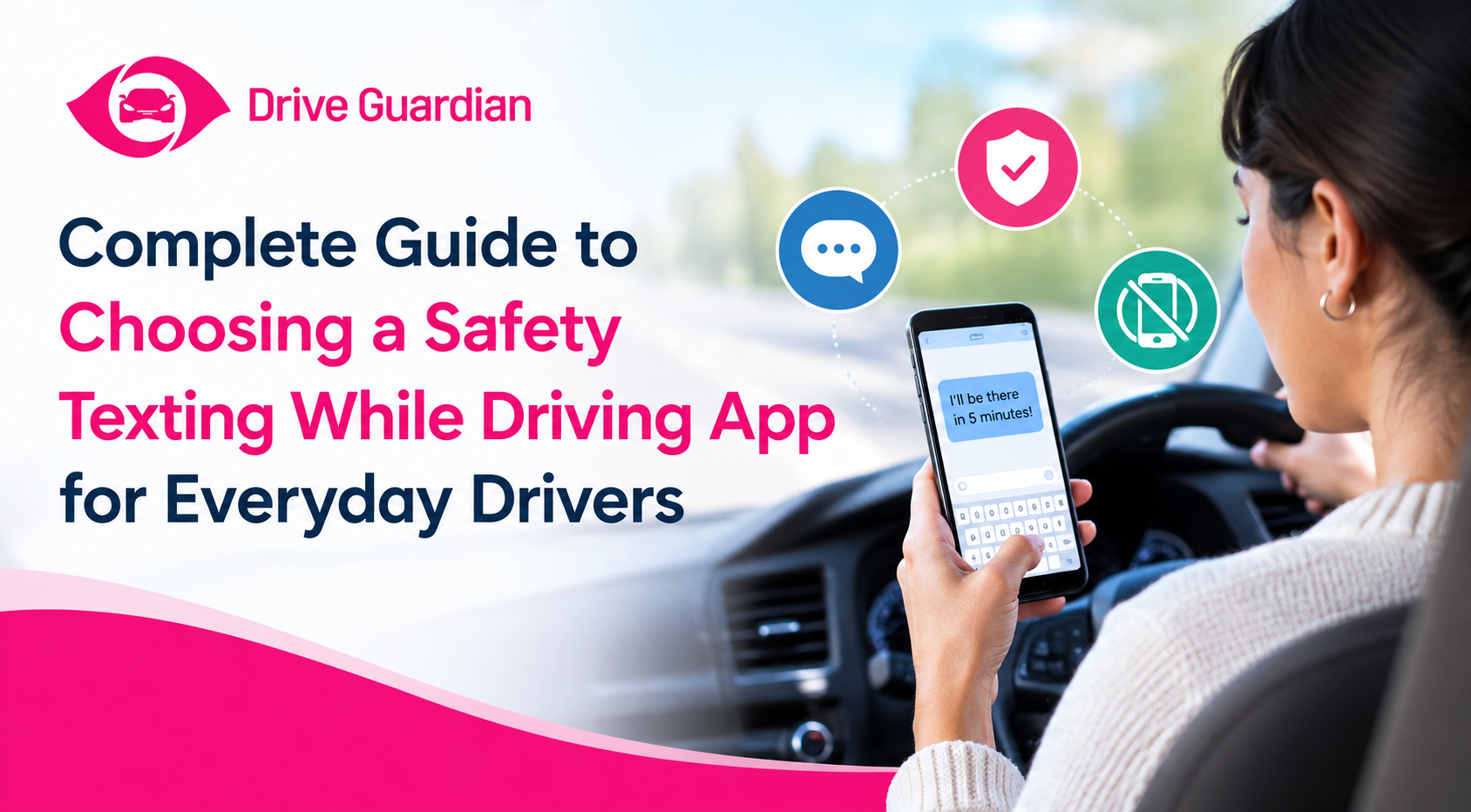
The right safety texting while driving app should make it easier to leave your phone alone, not give you another reason to interact with it.
You might only glance at a notification for a second, check who called, or quickly answer a message at a red light. But those small interactions can take your attention away from driving. According to the National Highway Traffic Safety Administration (NHTSA), 3,208 people were killed, and 315,167 were injured in distracted-driving crashes in the U.S. in 2024.
That is why choosing a driving safety app should involve more than downloading the first highly rated option you find. You need to consider what the app actually does, how automatically it works, whether it reduces interaction with your phone, and whether you need safety features beyond the phone itself.
For families looking at broader vehicle-connected protection, My Drive Guardian offers another approach by combining vehicle-level safety features with connected information for drivers and families.
Key Takeaways
- A safety texting while driving app should reduce unnecessary phone interaction rather than create another distraction.
- Look for automatic features that can limit notifications, calls, messages, or other phone interactions while driving.
- A texting while driving app can be a handy way to cut down on distractions, but not all of them do the same job. Different apps focus on different safety needs, so it’s worth picking one that matches yours.
- A phone blocking app for drivers can restrict selected phone functions, but no app can guarantee that someone will never use a phone while driving.
- A safe driving app should be simple to configure and require minimal interaction once a trip begins.
- Some driver safety apps focus on phone behavior, while others provide location, trip information, alerts, or driving insights.
- Technology that connects to your vehicle can handle some safety needs that a phone-only app simply can’t manage by itself.
- The best choice really depends on you: how you drive, what your household needs, the car you have, and which safety concerns matter most.
What Should a Texting While Driving App Actually Do?
A texting while driving app can use different approaches to reduce phone interaction.
Common features include:
- Silencing incoming notifications
- Limiting calls or messages
- Blocking selected apps while driving
- Activating automatically when driving is detected
- Allowing selected contacts or emergency communications
- Providing hands-free functions
- Sending an automatic response to incoming messages
- Restricting certain phone interactions until the trip ends
The important distinction is how much work the driver has to do. If someone has to remember to activate the app every time they start driving, the feature may depend heavily on personal discipline.
Should You Choose a Phone Blocking App for Drivers?
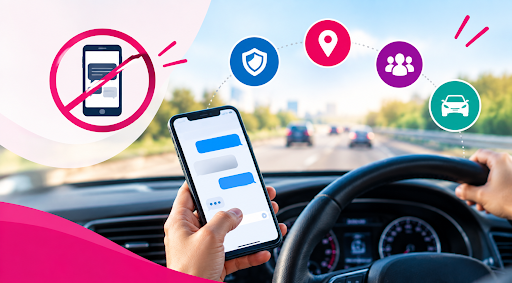
A phone blocking app for drivers can be useful when the biggest problem is temptation.
Blocking features can limit the number of notifications and interactions competing for attention, rather than relying on willpower alone. But no driver wants more blocking.
Someone could still need to be able to navigate, communicate in an emergency, or use specified hands-free capabilities. If a system blocked everything without looking at how the driver was actually using the phone, that may be irritating and might encourage people to turn it off.
| Feature | Why It Matters |
| Automatic activation | Reduces reliance on remembering to start the feature |
| Notification blocking | Removes some common sources of temptation |
| Call controls | Helps limit unnecessary phone conversations |
| App restrictions | Can reduce access to distracting apps |
| Hands-free support | Keeps essential functions more accessible |
| Emergency options | Allows appropriate communication when necessary |
| Easy settings | Makes the system simpler to use consistently |
The goal is not to make the phone completely unusable. It is to reduce unnecessary interaction during a drive.
How Is a Driver Safety App Different From a Basic Blocking Tool?
Not every driver safety app is designed primarily to block texting. Some focus on distraction. Others provide driving information, location features, trip history, alerts, or other connected services.
That difference is important because “driver safety app” is a wide category.
For example, one app might be useful for a parent who wants to reduce phone distractions for a new driver. Another might be more useful for a family that wants vehicle location and trip information.
You should therefore avoid judging an app only by how many features it offers. An app with dozens of features to constantly set up and interact with may be less useful than a simpler system that automatically does a crucial safety task.
Does the App Work Automatically While You Drive?
This is one of the most important questions to ask before choosing an app. A safety feature that only works when the driver remembers to activate it is different from one that automatically recognizes when driving begins.
Look for details such as:
- Automatic detection: Does the system recognize that a driving trip has started?
- Background operation: Can it continue working without the driver opening the app?
- Notification controls: Are incoming alerts reduced automatically?
- Driver interaction: Does the driver have to confirm, dismiss, or adjust settings while moving?
- Passenger flexibility: Can the system distinguish between a driver and a passenger where applicable?
These details can make a significant difference in normal daily use. A useful technology should ideally become part of the driving routine rather than another task the driver has to remember.
When Should You Choose Vehicle-Connected Safety Technology?
A phone can be an important part of a driver’s safety setup, but it is not the entire vehicle.
This is where it helps to distinguish between phone-based safety technology and vehicle-connected safety technology.
A phone-based app can control or limit certain phone functions. It may also provide information through the smartphone. A vehicle-connected system can work around the vehicle itself and may provide features that a phone alone cannot.
For example, My Drive Guardian combines vehicle-level alcohol detection and ignition protection with connected features such as safety notifications, vehicle location, driver status, and trip history.
That makes the technology relevant to safety concerns that extend beyond texting. For a family, the distinction can be important. You might use phone-based controls to address distraction while also considering vehicle-connected technology for other risks such as impaired driving and staying informed about a vehicle or trip.
Which Safety App Features Matter Most for Everyday Drivers?
There is no single feature list that works for everyone. However, a useful comparison starts with five areas.
1. Distraction Control
If texting is your primary concern, prioritize notification controls, app restrictions, and automatic driving modes.
2. Ease of Use
You shouldn’t have to do a lot of setup every time you get in the driver’s seat just to have a safety feature.
3. Driver Privacy and Control
Understand what information the app collects, what permissions it needs, and who can access any driving information it provides.
4. Family Features
If you have many drivers in your family, depending on the system, you might want location, trip information, safety alerts, or driver status.
5. Vehicle-Level Protection
If your concerns include more than phone use, consider whether vehicle-connected technology offers features relevant to those risks.
This way, you can choose according to real demands and not just based on the largest list of features.
What a Safe Driving App Cannot Do
Even the most sophisticated distracted driving app has limits.
It cannot make a driver pay attention.
It cannot guarantee that someone will never pick up a phone.
It cannot eliminate every possible distraction inside a vehicle.
And a phone-based app cannot address every risk associated with driving.
NHTSA emphasizes that safe driving requires the driver’s full attention and recommends putting the phone away or using features such as Do Not Disturb while driving.
Technology should therefore be viewed as support for safer behavior, not a replacement for it.
If a driver needs to send a message, read something important, change a complicated route, or handle another task that requires attention, the safest option is to pull over and park in a safe location first.
A Simple Way to Compare Your Options
Before downloading a safety texting while driving app, use this checklist:
- Does it address my main safety concern?
- Can it activate automatically?
- Does it reduce notifications and unnecessary interaction?
- Can I still access essential safety functions appropriately?
- Does it require driver interaction while moving?
- What information does it collect?
- Does it offer useful family or trip features if I need them?
- Would a vehicle-connected system address additional concerns?
The answers will quickly separate useful technology from features that simply look impressive on a product page.
Put the Right Safety Technology in the Right Place
Choosing a safety texting while driving app is ultimately about finding the right layer of protection for the problem you’re trying to solve.
For some drivers, that may be a straightforward phone blocking feature that keeps notifications out of sight. For families, a broader setup may combine distraction controls with connected vehicle information and other safety features.
My Drive Guardian takes that broader vehicle-connected approach, combining alcohol detection and ignition protection with connected features such as safety notifications, vehicle location, driver status, and trip history.
The important thing is not to expect one app to solve every driving risk. Choose technology that addresses the behavior or safety concern that matters most, keeps interaction to a minimum, and fits naturally into the way you and your family drive.
FAQs
Frequently Asked Questions
A safety texting while driving app is a technology that can restrict or control phone use when a person is driving. Depending on the app, it blocks alerts, restricts certain apps, manages calls, or offers hands-free functions.
Not necessarily. Different apps use different levels of restriction. Some mute notifications, while others disable certain apps or behaviors. Features and options differ by app.
Phone-blocking features could reduce some phone-related interactions while driving. But they can’t promise that a driver will stay non-distracted, and some systems require the driver to turn on or configure the feature.
Look for auto activation, good controls for distraction, simple settings, proper emergency access, clear privacy information, and features that speak to your driving demands.
No app can promise that distracted driving will never happen. A safe driving app can cut down on some interruptions or make it harder to use your phone behind the wheel, but it can't keep your eyes on the road for you. That part is always up to the driver.