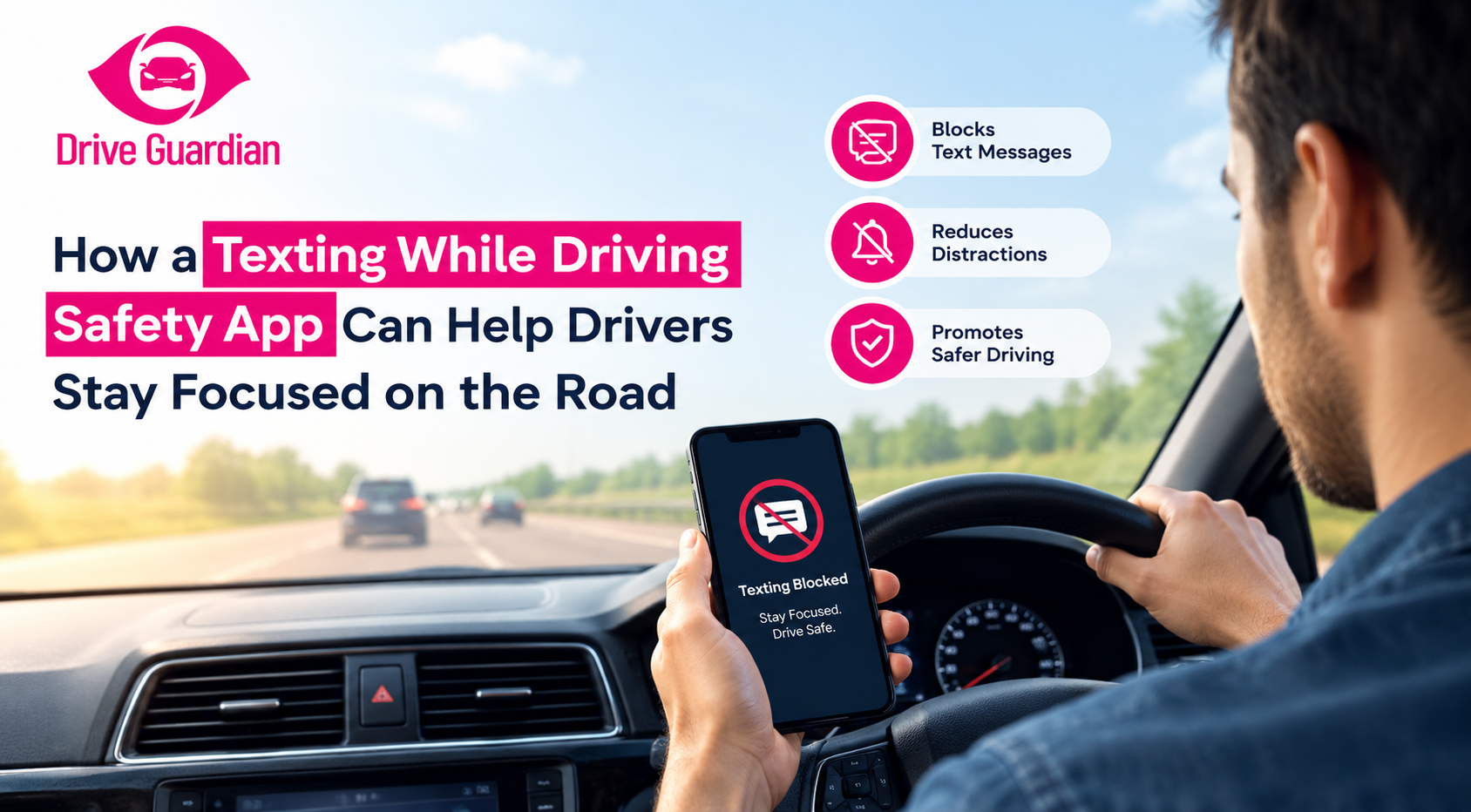
A texting while driving safety app can help reduce phone-related distractions by limiting unnecessary interaction with a device while the vehicle is moving.
You know the moment: your phone lights up while you’re driving. It could be a short message, a business notification, or a group conversation suddenly coming to life. You tell yourself you’ll glance at it for just a second. But that second takes your eyes, hands and mind off driving.
The reflex has real consequences. According to NHTSA’s 2024 data, cellphone use was reported as a distraction in 404 fatal crashes. That’s 14% of all distraction-affected fatal crashes, up from 12% in 2023. This guide walks you through how texting prevention tools work, which features are worth looking for, and how to build a focus routine you’ll actually stick to.
Key Takeaways
- A texting while driving safety app can reduce unnecessary phone interaction during journeys.
- Texting involves a combination of visual, manual, and cognitive distractions and is particularly dangerous at the wheel.
- A texting prevention app can help limit notifications and discourage unnecessary phone use.
- Distracted driving prevention works best when your tools back up good habits, not replace them.
- A driver focus app makes phone-free driving easier by quieting the buzz before you’re tempted.
- Hands-free calling helps, but your mind still has to stay on the drive, too.
- Safe driving technology can team up with your phone tools to cover risks a phone can’t, like impairment.
Why Texting Behind the Wheel Is So Distracting
Texting might seem like an easy task, but it requires more concentration than many drivers believe. Reading a text means taking your eyes off what’s in front of you, even if it’s only for a second or two. Typing requires using your hands. Deciding what to say requires mental attention. In other words, a single text can create several types of distraction at once.
The CDC describes three main forms of distracted driving:
- Visual distraction: anything that pulls your eyes off the road
- Manual distraction: anything that takes your hands off the wheel
- Cognitive distraction: taking your mind away from driving
Texting can involve all three. NHTSA notes that reading or sending a text takes your eyes off the road for about five seconds. At 55 mph, that is roughly the length of a football field traveled without looking at the road.
That’s why distracted driving prevention takes more than telling drivers to be careful.” It is also about creating conditions that make safer choices easier.
What Is a Texting Prevention App?
A texting prevention app is designed to reduce or restrict phone interaction while someone is driving. Different tools work in different ways. Some silence your notifications, some block access to certain features, and others turn on driving mode automatically when your car is moving. Two or three even remind you to leave your phone alone.
NHTSA notes that smartphone-based blocking features can reduce interactions with phones while driving, although these features are generally voluntary and often require drivers to activate them. The important point is that an app should support the driver’s attention rather than become another reason to look at a screen.
A useful driver focus app should therefore make the safer choice simple: prepare the phone before the trip, minimize notifications, and avoid unnecessary interaction once the vehicle is moving.
How Can a Safety App Help You Stay Focused While Driving?
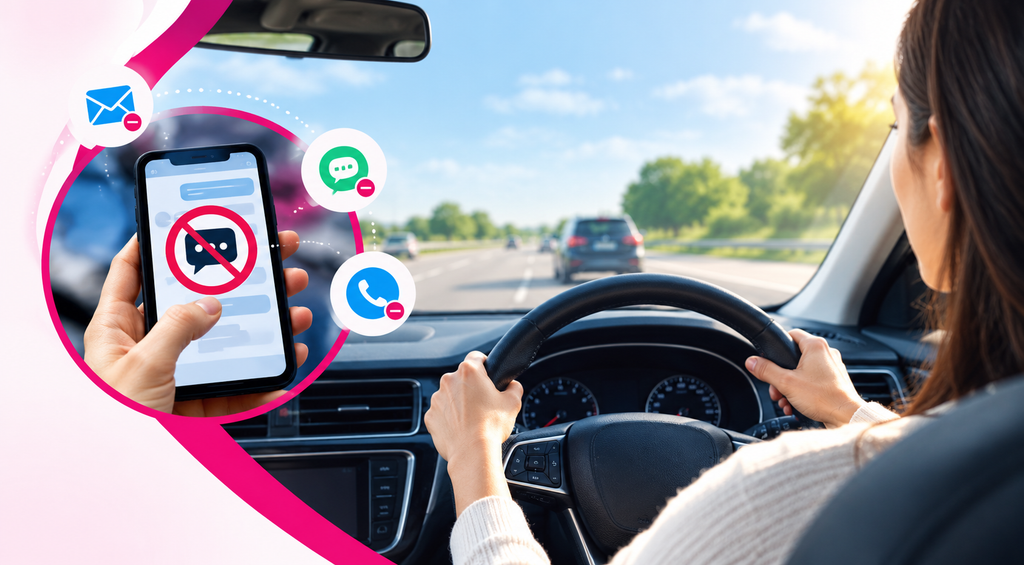
The biggest benefit of a texting while driving safety app is reducing opportunities for unnecessary phone interaction. Instead of depending entirely on a driver to ignore every notification, technology can help create fewer interruptions during a trip.
Reduce Unnecessary Notifications
Texts, social media alerts, emails, and other pings can make it hard to resist checking your phone.
Silencing or cutting back on them makes it a lot easier to keep your attention on the road.
Encourage Phone-Free Driving
A good safety approach reinforces a simple habit: if something on the phone needs attention, wait until the vehicle is safely parked.
This is also consistent with CDC guidance, which recommends completing tasks such as reading texts, making calls, adjusting music, or other activities before or after driving rather than during the trip.
Support Hands-Free Use Where Appropriate
Some drivers need navigation or other essential functions during a journey. Setting up those functions before leaving can reduce the need to handle the phone while driving.
However, hands-free does not mean distraction-free. Drivers still need to keep their attention on driving rather than interacting with a device.
Build Better Driving Habits
Technology works best when it backs up good habits.
Stash your phone, turn on driving mode, set your navigation before you leave, and agree with the people you drive with on phone-free expectations. Together, these small steps make it easier to build a routine where you stay focused behind the wheel.
Can Technology Replace Safe Driving Habits?
Technology is there to back up responsible driving, not take its place. A texting prevention app can help reduce opportunities for phone use, but drivers still need to make the decision not to interact with their phones. The CDC recommends that drivers avoid multitasking and use apps that can help reduce cell phone use while driving.
For parents, this can also become part of a larger conversation with teen and young drivers.
Instead of simply saying, “Don’t text and drive,” families can create practical expectations:
- Put the phone away before starting the vehicle.
- Set navigation before pulling out.
- Silence unnecessary notifications.
- When a passenger is present, delegate navigation and messaging to them.
- Set the example: keep your own phone out of your hands while you drive.
These habits create a clearer standard for everyone in the vehicle.
Where Does Safe Driving Technology Fit In?
Not every driving safety tool is built to stop texting, and that difference matters.
The risks of safe driving technology depend on how it is constructed. Some tools target phone distraction; others deliver vehicle-level protection, alarms, location tracking, or driving data.
My Drive Guardian takes a connected vehicle approach to driving safety. Its features include in-vehicle alcohol detection, ignition protection, real-time notifications, live GPS vehicle location, driving reports, and a connected mobile application.
That means it should not be presented as a dedicated texting prevention app. Instead, it can complement phone-focused distracted driving measures by addressing other areas of driving safety.
For families, that broader approach can be useful. A phone’s driving mode can help reduce unnecessary phone interaction, while vehicle-connected technology can provide additional information and protection around the journey.
The two approaches do different jobs, but they can support the same goal: creating safer, more responsible driving routines.
Choosing the Right Driver Focus App
If you are considering an app to reduce phone distraction, look beyond the word “safety” in the product description.
Consider whether the solution:
- Cuts down on alerts that aren’t needed while driving
- Limits phone conversations that are distracting
- Allows for drive or focus modes
- It’s simple to set up and utilize regularly
- Improves responsible driving skills instead of replacing them
Simplicity is even more important for families with teen drivers. A straightforward system makes it much easier to build safer phone habits into everyday driving.
Start Building Safer, More Focused Driving Habits
Safer driving starts with reducing distractions before they become part of the journey. Drivers should keep focused on the road by putting aside their phone, minimizing notifications, and preparing directions before leaving.
My Drive Guardian supports linked vehicle technology, including alcohol detection, ignition protection, real-time notifications, vehicle location, and driving reports. The right technology and practical practices together can promote a more proactive strategy for driving safety for families and daily drivers.
Contact us today to learn more about My Drive Guardian or request a personalized demonstration for your needs.
Frequently Asked Questions
Frequently Asked Questions
A texting while driving safety app helps minimize phone use behind the wheel by limiting distractions, either muting notifications or blocking access to particular phone functionalities.
A texting prevention app can reduce opportunities to read, send, or respond to messages while driving, helping drivers keep their attention on the road.
No app can wipe out every distraction. But pairing the right tech works best when it's paired with good driving habits, steady focus, and a real effort to avoid unnecessary phone use.
Shut down your notifications, put your phone in "driving mode," and hide it somewhere you can't reach it. This will help you stay focused on the road. Find a safe place to stop if you need to call or text someone.
Yes, it can be useful. A driver focus app helps you create better habits by reducing unwanted phone disruptions and reminding you to stay focused on the road.