- Distracted Driving
Best Safe Driving Apps for Families and New Drivers
New drivers build better habits with support, and parents want answers without needing to contact drivers constantly. My Drive Guardian gives families and fleet teams a way to stay connected through phone-based GPS location tracking. Both iPhone and Android users can access GPS and fleet tracking, while Android users also have driving scores, driving behavior tracking, and an AI Safety Coach.
What Distracted Driving Apps Are Built to Solve
Distracted driving apps are designed to reduce how much a phone pulls a driver’s attention away from the road. Depending on the app, features may include phone-use monitoring, blocking the screen while driving, notification controls, or driving-related reports. The way these features work varies by app and operating system.
What varies between products is how they address phone distraction. Some use a lighter approach by reducing notifications and interruptions, while others can restrict phone use much more heavily. Neither approach is right for every driver. The better fit depends on who is using the vehicle, how much phone access is needed, and what distracted-driving habits already exist.
What varies between products is how much control they take over the phone. Some use a lighter approach by reducing notifications and interruptions, while others can restrict phone use much more heavily. Neither approach is right for every driver. The better fit depends on who is using the vehicle, how much phone access is needed, and what distracted-driving habits already exist.
The Three Categories of Apps to Prevent Distracted Driving
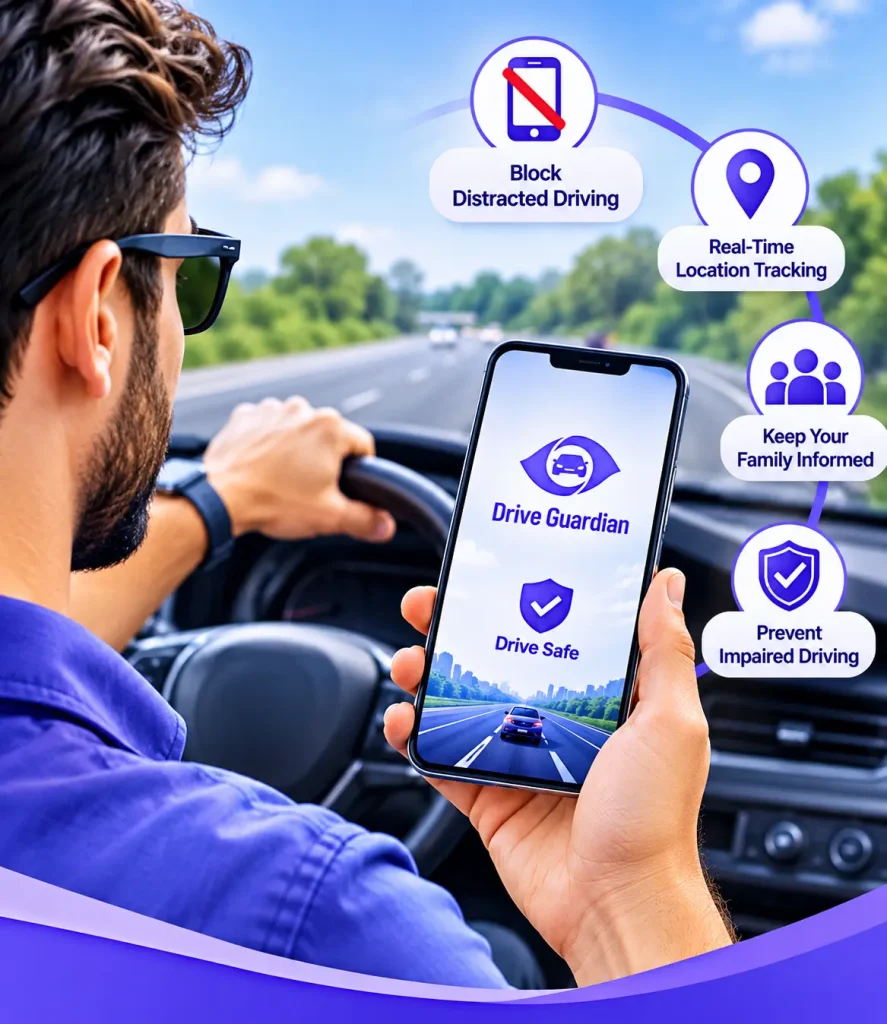
Distracted driving apps use different approaches to encourage safer phone habits. Some focus on restricting phone use, others provide driving or phone-use information, while some encourage safer behavior through rewards.
01
Blocking apps can restrict selected phone activities when driving is detected. Depending on the product, they may block texting, limit access to certain apps, or silence notifications. These can be useful driving apps for new drivers who are still developing safe habits.
02
Monitoring apps focus on recording phone use or driving activity rather than blocking access. Depending on the app and device, they may provide phone-use information, distraction-related reports, or other driving summaries. These can be useful apps for parents to monitor driving, helping families discuss habits and identify areas for improvement.
03
Reward-based apps encourage safer driving through positive reinforcement rather than strict restrictions. They may track phone interaction and driving behavior, then provide points, scores, discounts, or other rewards for safer trips. This approach may suit drivers who respond better to incentives than to restrictions, encouraging safer habits through positive reinforcement.
Together, these approaches give drivers several ways to cut down on phone distractions, whether through strict blocking, monitoring, or positive reinforcement.
What Makes the Best Safe Driving Apps Different From the Rest?
When people compare the best safe driving apps, they usually want a few practical things: reliable activation, useful restrictions, low battery impact, and features that work for different drivers.
Does the safe driving app start automatically?
Some driving apps offer automatic activation, while others require users to start a feature manually. Check how an app detects or handles driving sessions before choosing it, as the process varies by product.
Does it restrict, or just remind?
Driving apps differ in how they address phone distraction. Some provide reminders or reports, while others offer restrictions on certain phone activities. Review the specific features and limitations before relying on an app to manage distractions.
Does it drain the battery?
Apps that constantly run in the background can use significant battery power. Even useful safety features may not be enough to keep an app installed if it regularly leaves your phone needing a charge. Battery impact is worth considering before choosing an app.
Does it work for everyone in the household?
One phone, one set of rules may not work for a household with multiple drivers. Teens and adults may require varying degrees of restriction, monitoring, and access. Look for features that can be altered to accommodate the driver.
When reading safe driving app reviews, look beyond the star rating. Comments about reliability, ease of use, and everyday performance can help you decide whether an app is practical for regular use.
Distracted Driving Apps for iPhone
iPhones offer built-in features that can help drivers manage distractions. Driving Focus, for example, can silence notifications and send automatic replies when driving is detected. It gives drivers a simple way to reduce interruptions and keep their attention on the road.
Third-party distracted driving apps for iPhone offer other ways to encourage safer driving habits. Depending on the app, features may include family location sharing, phone-use monitoring, driving activity reports, and tools that help families stay informed about driving behavior.
My Drive Guardian provides iPhone users with GPS location tracking and fleet tracking. Families and teams can use these features to stay connected and view the locations of participating drivers. Android users have additional features, including driving scores, driving behavior tracking, and the AI Safety Coach.
For any iPhone distracted driving app, check its latest update and recent reviews. This can help you choose from safe driving apps for the iPhone that are still actively maintained.
Safe Driving Apps for Android
Android driving apps offer different ways to help drivers stay focused behind the wheel. Some reduce interruptions, while others provide information about phone use during trips. The features available depend on the app, so it’s worth checking what each one actually offers.
My Drive Guardian gives Android users access to GPS location tracking, fleet tracking, driving scores, driving behavior tracking, and the AI Safety Coach. Users can also access a free desktop tracking map and invite groups through a code, link, or QR code. These features can help families and fleet teams stay connected and encourage safer driving habits.
Hands-Free Calling Solves Only Part of the Problem
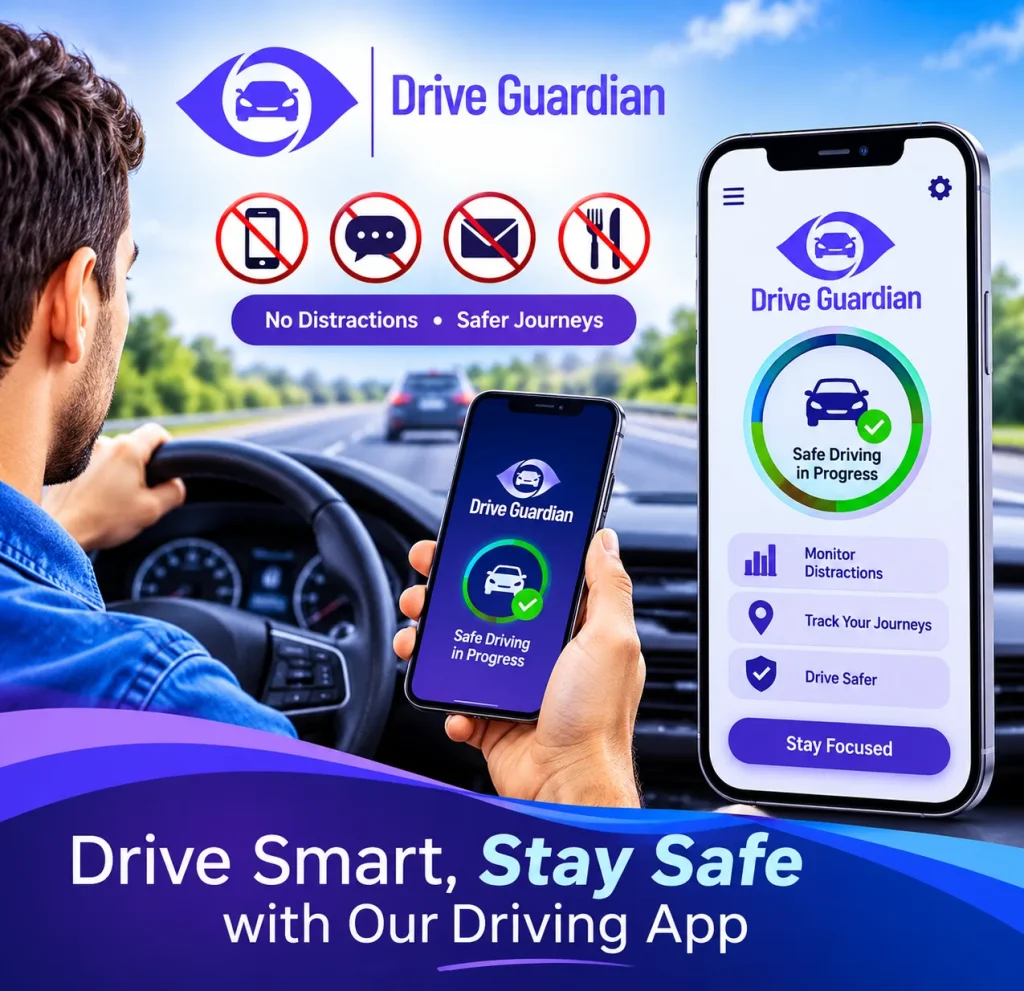
Many states have laws restricting handheld cell phone use while driving. However, hands-free cell phone use while driving does not automatically remove every type of distraction.
Hands-free cell phone use while driving can still cause cognitive distraction. A demanding or stressful conversation may take mental attention away from the road, even when both hands remain on the wheel, and both eyes are focused ahead. This can matter most during complex situations, such as merging onto a busy highway.
Hands-free technology can reduce the need to hold a phone, but it does not remove every distraction. Safe driving still depends on keeping your attention on the road and avoiding demanding phone conversations.
No Phone While Driving Apps: The Strictest Approach Available
For drivers or families who want a stricter approach, some no phone while driving apps can limit selected phone activities when driving is detected. The restrictions and ways to regain access vary between apps.
This approach can be especially helpful for newer drivers who are still building safe habits. By restricting selected phone activities, these apps can reduce some of the opportunities for distraction when a driver is behind the wheel.
The tradeoff is flexibility. Strong restrictions may also limit access to features such as navigation, music controls, or other phone functions. For some households, especially those with a new driver, that tradeoff may be worthwhile. More experienced drivers may prefer a lighter-touch option that reduces distractions without restricting the phone as heavily.
How My Drive Guardian Supports Safer Driving
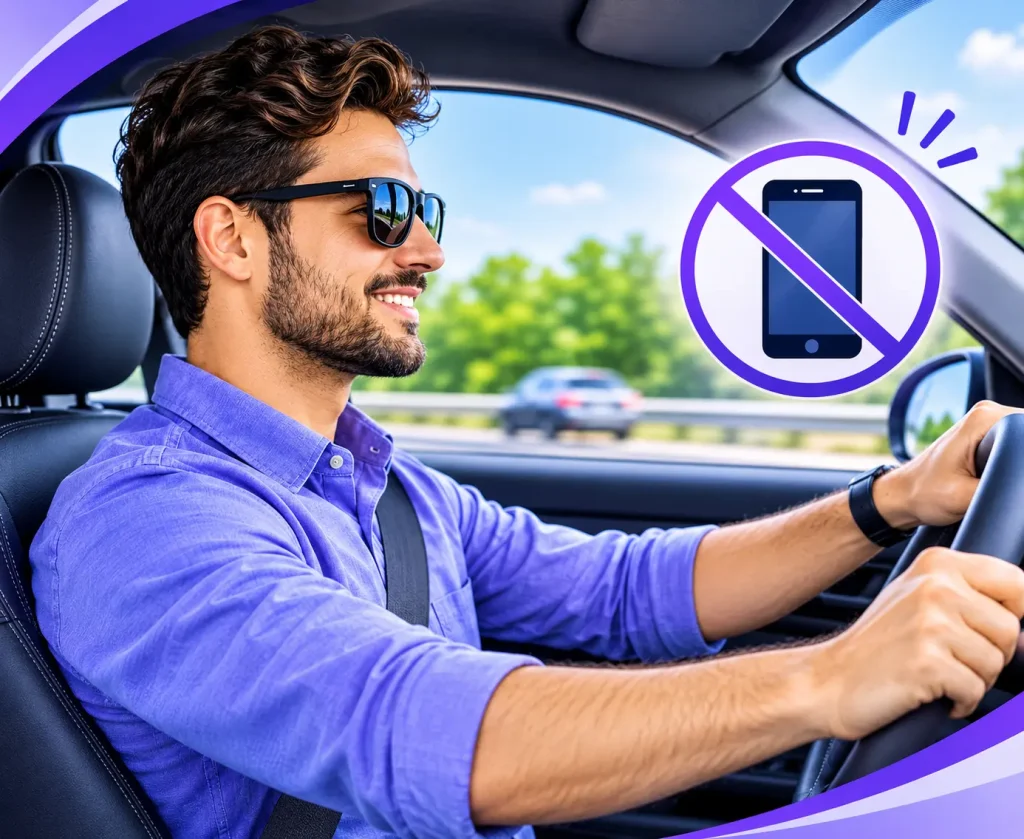
My Drive Guardian helps families, employees, and fleet teams stay connected through free GPS location tracking and fleet tracking on both iOS and Android. All base features are free, and users can access vehicle-location information through the mobile app without installing additional in-vehicle hardware.
Free GPS Location Tracking
View the locations of connected family members, employees, and drivers through the app.
Free Fleet Tracking on iOS and Android
Businesses can use fleet tracking on both platforms to view the locations of connected drivers and manage their vehicle groups.
Free Fleet Tracking on iOS and Android
Businesses can use fleet tracking on both platforms to view the locations of connected drivers and manage their vehicle groups.
Free Desktop Tracking Page
Access the desktop tracking page to view connected drivers’ locations on a larger screen. This provides businesses with another way to access their fleet tracking information.
Free Group Invitations
Invite family members, employees, and other drivers using an invitation code, link, or QR code.
Additional Android Features
Android users also have access to driving scores, driving behavior tracking, and the AI Safety Coach. These features provide additional driving insights and can support conversations about safer driving habits.
Frequently Asked Questions
Q: What Causes Distracted Driving?
Distracted driving occurs whenever something takes a driver’s attention away from the road. Texting, eating, adjusting controls, talking to passengers, and looking at instructions can all distract a driver.
Q: What Are the Types of Distracted Driving?
The main types of distracted driving are visual, manual, and cognitive distractions. A driver may experience one type at a time or several at once, depending on what they are doing behind the wheel.
Q: What Are Visual, Manual, and Cognitive Distractions?
Visual distractions pull a driver’s eyes off the road, manual distractions take their hands off the wheel, and cognitive distractions pull their mind away from driving. Phone use can involve all three at once.
Q: What Are Common Driving Distractions?
Common driving distractions are texting, looking at notifications, talking on the phone, eating, adjusting the radio or navigation system, talking to passengers, and reaching for items within the car.
Q: Why Is Distracted Driving Dangerous?
Distracted driving is dangerous because it can affect a driver’s ability to notice hazards, make decisions, and respond to changing road conditions. Even a brief distraction can leave less time to react.
Q: How Does Distracted Driving Cause Accidents?
When drivers look away from the road or lose focus, they may fail to notice vehicles, pedestrians, traffic signals or changing road conditions. This can delay their response and increase the risk of a collision.
Q: How Can You Stay Focused While Driving?
Put your phone out of reach, set your GPS before leaving, silence unnecessary notifications and avoid eating or adjusting controls while driving. Give the road your full attention.
Q: How Can You Reduce Driver Distractions?
Reduce distractions by limiting phone access, setting up navigation and music before travelling, using available driving features and avoiding activities that take your attention away from the road.
Q: How Can You Develop Safer Driving Habits?
Safer driving starts with habits you repeat on every trip. Stash your phone before you pull out, use the safety features available to you, plan your route ahead of time, and make it automatic so you’re not relying on self-control mid-drive.
Find the Right Driving Safety Tools for Your Needs
My Drive Guardian offers free GPS location tracking and fleet tracking on iOS and Android, helping families and businesses stay connected with drivers. Android users also have access to driving scores, driving behaviour tracking and the AI Safety Coach.