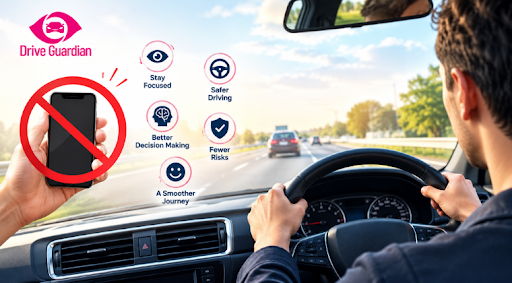
The best way to avoid phone distraction is to remove the choice before you drive, and the 10 habits below show you how, no willpower required.
Did you know? NHTSA reports that cellphone use was a factor in 404 fatal crashes in 2024. That is 14% of all distraction-affected fatal crashes, up from 12% the year before. If you want to know how to avoid phone distracted driving habits, the answer starts earlier than most people think: in the 30 seconds before the car moves. A buzz at a red light on Market Street or a ping on the Bay Bridge feels small, but it pulls your eyes, hands, and mind away from the road all at once.
This guide gives you a realistic plan to stop texting while driving and build lasting phone-free driving habits.
Key Takeaways
- Put your phone out of reach before you start driving, and most temptation disappears.
- A text takes your eyes off the road for about five seconds, roughly a football field at 55 mph.
- Hands-free does not mean distraction-free, because your mind can stay busy after your eyes return to the road.
- Driving Focus and Do Not Disturb modes work best when they turn on automatically.
- Families stick to rules they help create, so make phone habits a shared conversation instead of a command.
- Vehicle-level safety technology adds a second layer that a phone alone cannot provide.
Quick Answer: How to Avoid Being Distracted by Your Phone While Driving
To avoid being distracted by your phone while driving, set your route and music before you leave, turn on a driving mode that silences alerts, and store the phone where you cannot reach it. If something truly cannot wait, pull over in a safe spot first. These four steps cover most phone distractions before they start.
Why It’s So Easy to Get Distracted by Your Phone While Driving
Most drivers do not plan to text behind the wheel. They react to a sound, to a light, to a habit. The look precedes conscious thought. That is why advice like “just be careful” fails so often.
How Distracted Driving Hits Your Eyes, Hands, and Mind
The CDC describes three types of distraction, and a phone triggers all three at once:
- Visual: your eyes leave the road to read a screen.
- Manual: your hands leave the wheel to hold or tap the phone.
- Cognitive: your mind leaves the drive to think about a reply.
NHTSA notes that reading or sending a text takes your eyes off the road for about five seconds. At 55 mph, that is about the length of a football field, driven blind.
Why Your Focus Doesn’t Snap Back Right Away
The danger also lingers after you put the phone down. Research from the AAA Foundation for Traffic Safety found that some voice-based tasks can leave drivers mentally distracted for as long as 27 seconds after the interaction ends. In other words, a “quick” voice command is not as quick as it feels.
10 Effective Ways to Avoid Phone Distraction While Driving
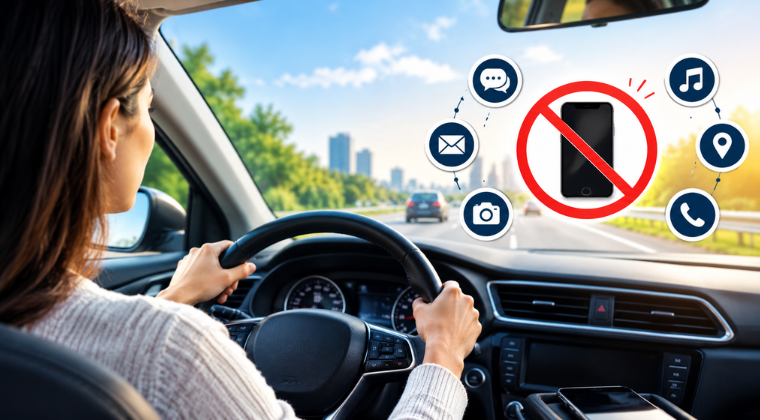
To avoid phone distraction while driving, you do not need all ten at once. Start with two or three, then add more each week until phone-free driving feels automatic.
1. Set Your Playlist and Route Before You Move (Navigation and Audio Setup)
While your car is parked, select your location, podcast or music. Every setting you finish in the driveway is a setting you never touch at 45 mph. This one habit removes the most common reason drivers pick up a phone.
2. Turn On Driving Focus or Do Not Disturb While Driving (Driving Mode Settings)
iPhones offer a Driving Focus, and Android phones offer a driving mode. Both silence notifications while you drive. Set them to turn on automatically when the phone detects motion or connects to your car’s Bluetooth, so you don’t have to remember.
3. Put the Phone Out of Reach (Glove Box, Console, or Back Seat)
Drop the phone in the glove box, a closed console, or a bag on the back seat. If you cannot grab it, you cannot check it. This is the easiest way to stop texting while driving.
4. Send an Auto-Reply So Friends Know You’re Driving (Auto-Reply Messages)
An automatic “I’m driving, I’ll reply when I park” message takes the pressure off. It lets frequent contacts know why you may not answer immediately, without requiring you to pick up the phone.
5. Use a Phone Mount Without Interacting With the Screen
California law generally prohibits holding and operating a phone while driving. A properly mounted device may be operated with a single tap or swipe under the law, provided the mounting position meets the legal requirements. Set your route before leaving, and avoid using the screen for messages or other tasks while moving.
6. Pull Over Safely If It Can’t Wait (Safe Stopping Spots)
If a call or message needs your attention, wait until you can pull over and park legally in a safe location. A parking lot or designated parking area is a far better option than stopping beside moving traffic. Never handle the phone while the vehicle is moving.
7. Mute Group Chats and Social Alerts (Notification Control)
Social media pings and group chats are built to pull you back. Turn them off when you drive or set up a notification filter for when you’re driving that only allows emergency contacts through.
8. Let a Passenger Be Your Co-Pilot (Passenger Help for Navigation and Messages)
If you are with a friend, ask them to take care of navigation, select the music, or respond to a message that can be answered on your behalf. Agree on this before you set off, and keep your attention on the road. Having a passenger’s help can reduce the need to interact with your phone.
9. Don’t Treat Hands-Free as Risk-Free (Cognitive Distraction)
Hands-free calling means you do not have to hold your phone, but a conversation can still distract you mentally. One of the most useful driving focus tips is to save complicated or emotional conversations for when you are parked.
10. Build a Family Phone-Free Driving Agreement (Teen Driver Habits and Accountability)
Sit down with your family and agree on simple rules for phone-free driving: phone away before the car moves, notifications silenced, messages wait until parked. Then follow the same rules yourself. If parents text and drive, teens notice, and a consistent example beats another lecture.
How Technology Supports Phone-Free Driving
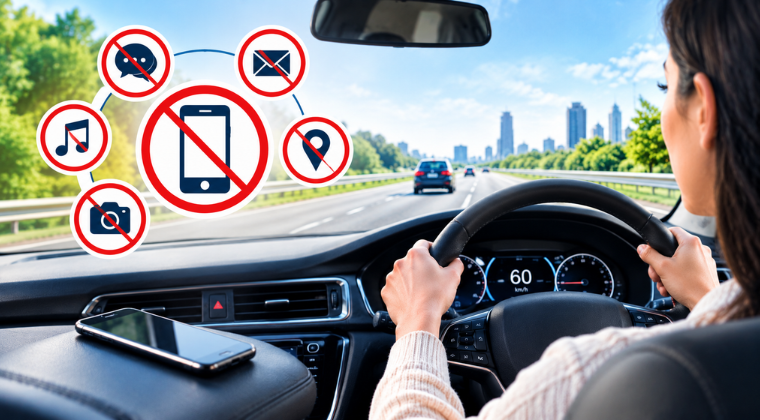
Good tools make good habits easier. Phone settings such as Driving Focus can silence alerts, but they only control what happens on the screen.
Vehicle-level technology covers a different layer of risk. My Drive Guardian is an in-vehicle safety system that checks for alcohol before ignition, can keep the vehicle from starting when a configured threshold is exceeded, and sends real-time notifications to trusted contacts. It also offers live GPS location, driving reports, and a connected mobile app that keeps families informed without constant check-in calls.
Technology supports responsible driving, but it never replaces it. The strongest approach pairs focused habits with protection that starts before the car moves.
Don’t wait for the phone call nobody wants to make.
Book a demo with My Drive Guardian and give your family a safer way to stay connected on every drive.
FAQs
Frequently Asked Questions
Set your route and music before you leave, turn on a driving mode, and keep the phone out of reach. If you must respond, park in a safe place first.
Prepare before you start. Finish navigation, audio, and messages while parked, silence notifications, and store your phone where you cannot reach it.
Yes, in most cases. California law bars drivers from holding a phone to talk, text, or scroll. A mounted phone may be used with a single tap or swipe, and drivers under 18 may not use a phone at all while driving.
It is safer than holding a phone, but it is not risk-free. Hands-free calls can still pull your attention away from the road because the distraction is mental as well as physical.
The AAA Foundation found that some voice-based tasks can leave drivers mentally distracted for up to 27 seconds after the interaction ends.
No. In California, holding and using a phone at a red light is still illegal, and you must stay ready to drive the moment the light changes.
Create a simple family agreement, model the same behavior, and give teens time to build habits before they drive alone. Safety technology can add visibility, but conversation comes first.