
- How it works
How My Drive Guardian Driving Safety App Works
No button to press and nothing to remember. Drive Guardian wakes when the car does, protects the drive, and disappears again the moment you park.
The speed sequence
Four states. One clean threshold.
01
- 0 mph
Parked — fully dormant
No GPS, no screen wake, no background polling. Drive Guardian sits idle on a low-power motion listener that costs effectively nothing.
02
- 1–9 mph
Motion detected — listening
The phone's motion coprocessor notices movement and asks a single question: is this a walk, a bus, or a drive? Still no GPS lock, still no interruption.
03
- 10+ mph
Drive mode starts automatically
Sustained travel above 10 mph confirms a drive. Drive Guardian activates on its own — no tapping, no remembering, no way to forget.
04
- Stopped 3 min
Trip ends, everything releases
Three minutes below the threshold ends the trip. Blocks lift, auto-replies stop, GPS shuts down and the arrival confirmation is sent.
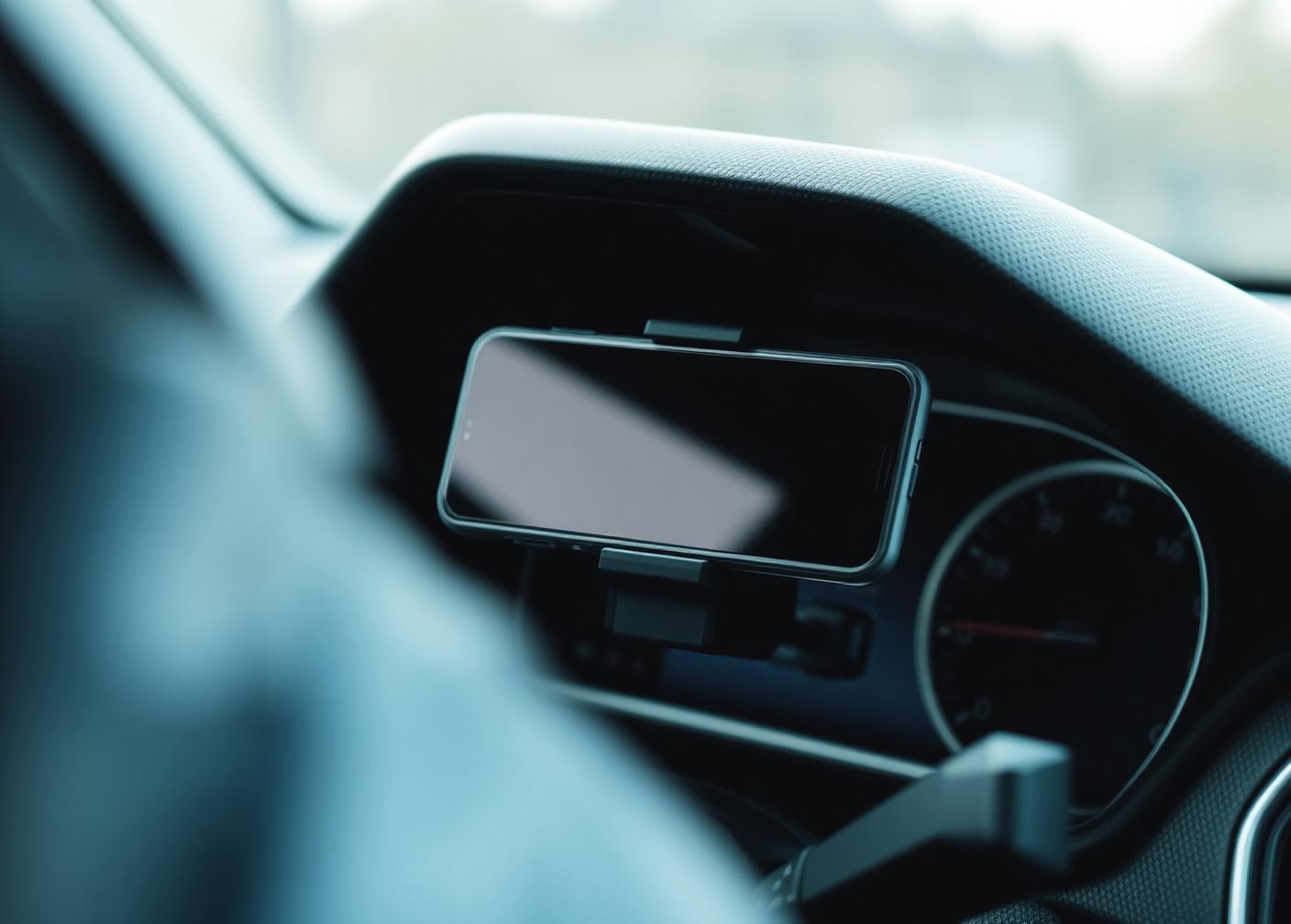
While the car is moving
Precisely what is blocked — and what never is.
Blocked
- Manual texting and typing
- Social feeds and video apps
- Incoming call screens (routed to auto-reply)
- Keyboard input on the driver's device
Always available
- Navigation and maps
- Music and podcasts, already playing
- Hands-free voice calls
- Emergency services — always, instantly
Battery discipline
Always ready. Almost never awake.
Motion coprocessor first
Detection runs on the phone's dedicated low-power motion chip, not the main processor. It is designed to run continuously for days.
GPS only during a trip
Location is requested after a drive is confirmed and released the moment it ends — the single largest battery saving in the design.
Batched, not chatty
Trip events are batched and sent on the network the phone is already using instead of waking the radio for each one.
Measured cost
Typical impact is under 2% of battery across a full day of normal driving in our field testing.
Before the wheels turn
The in-car half of the system.
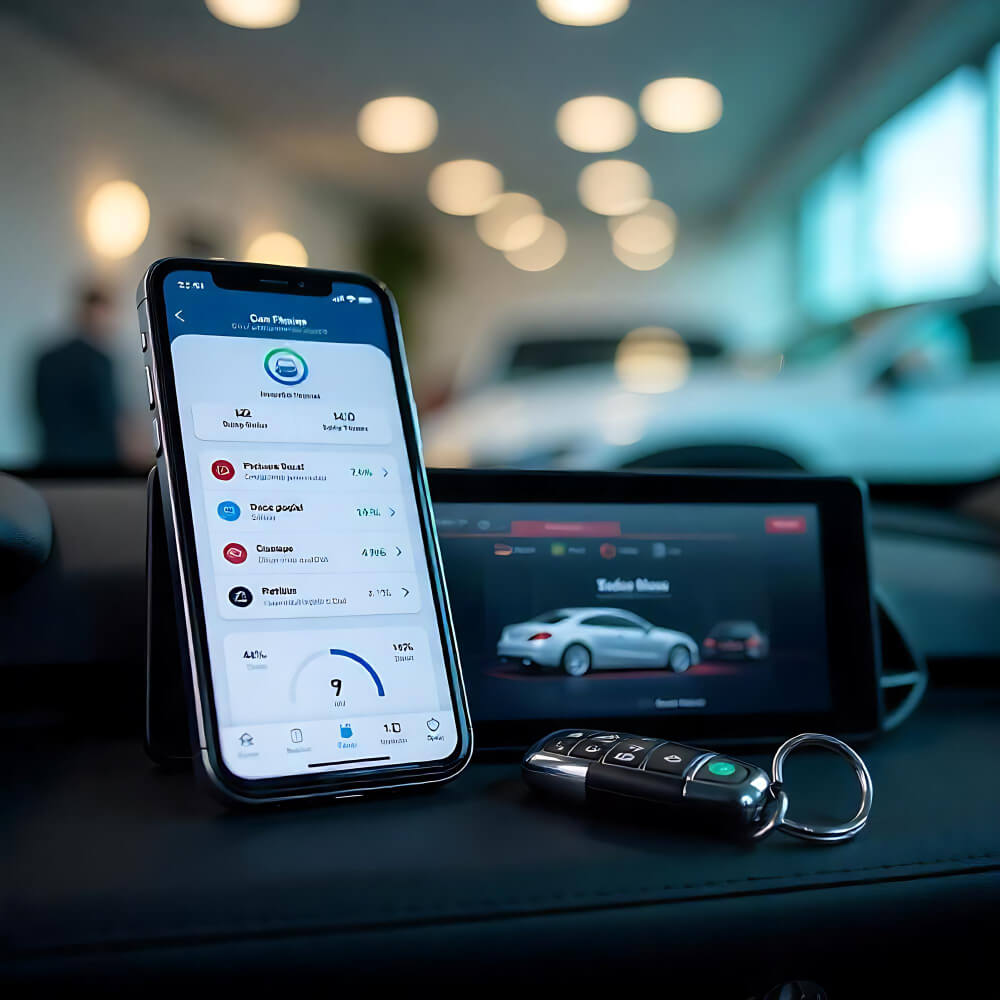
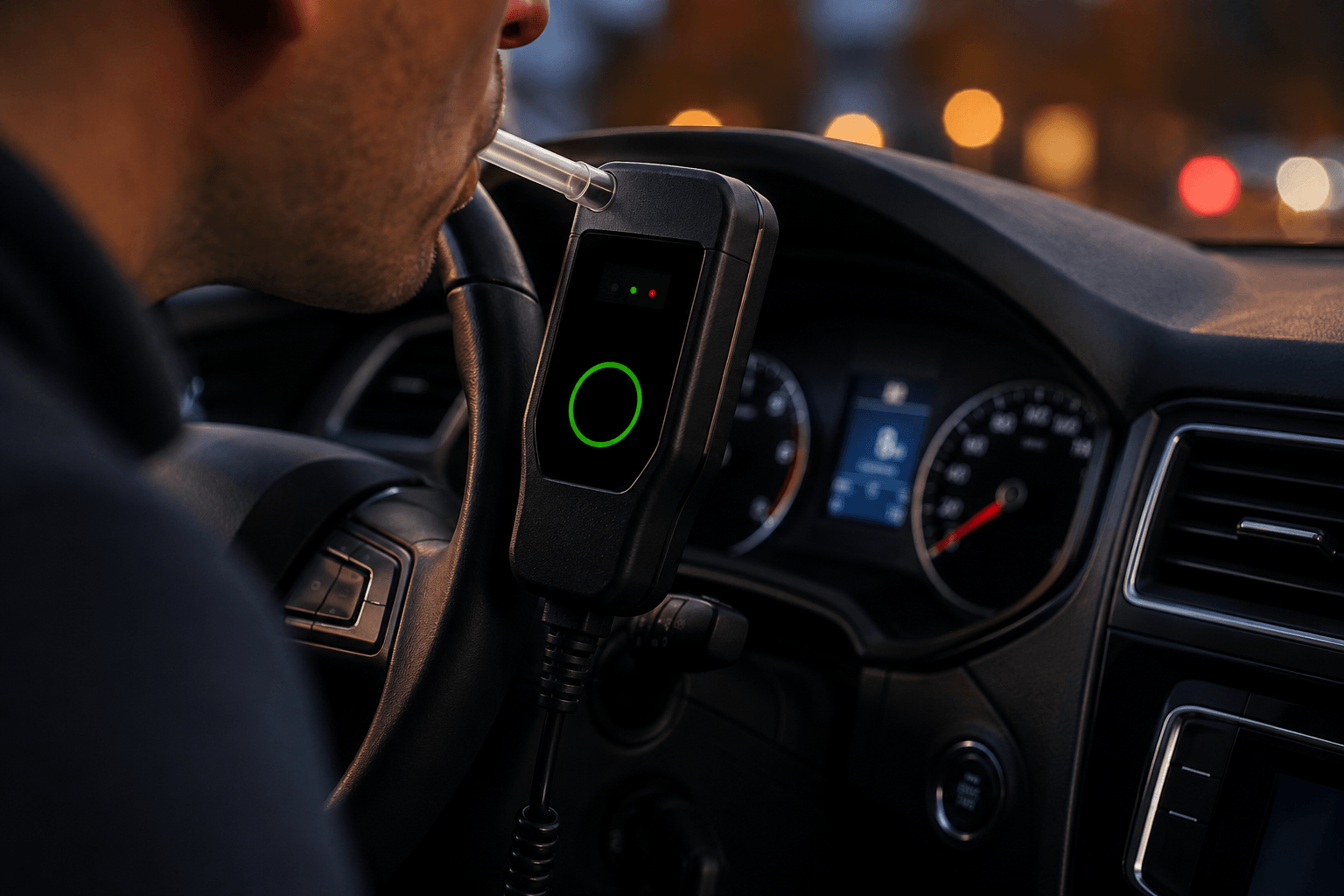
The app handles the drive. The vehicle unit handles the decision to drive at all: a sample is taken at ignition, verified against your configured policy, and either the engine starts or your trusted contact hears about it — with a safe-ride option in the same notification.
FAQ
Common questions
Why 10 mph and not lower?
Below 10 mph the signal is ambiguous — walking briskly, cycling, or rolling in a parking lot all look similar. Ten miles per hour sustained is the clearest line between everyday movement and an actual drive.
What if I'm the passenger?
One tap on the trip card marks you as a passenger and releases everything for that trip. Repeated passenger trips on the same route are learned over time.
Does it need to be open in the foreground?
No. Drive Guardian runs from a background motion listener. You never have to launch it, and closing the app does not disable protection.
Can emergency calls still go out?
Always. Emergency dialling is never blocked under any configuration, and a crash-detected event will place the call for you if you cannot.