- Commercial Driver Phone Policy
Best Driving Mode App for Safer, Distraction-Free Driving
You don’t decide to get distracted. It just happens, a notification lights up, a thumb reaches over, and two seconds of attention leaves the road. Driving mode exists to remove that moment before it ever has the chance to happen.
My Drive Guardian’s driving mode activates automatically the second your car starts moving, quieting your phone and keeping your attention where it belongs, without you having to remember to turn anything on.
What Driving Mode Actually Does
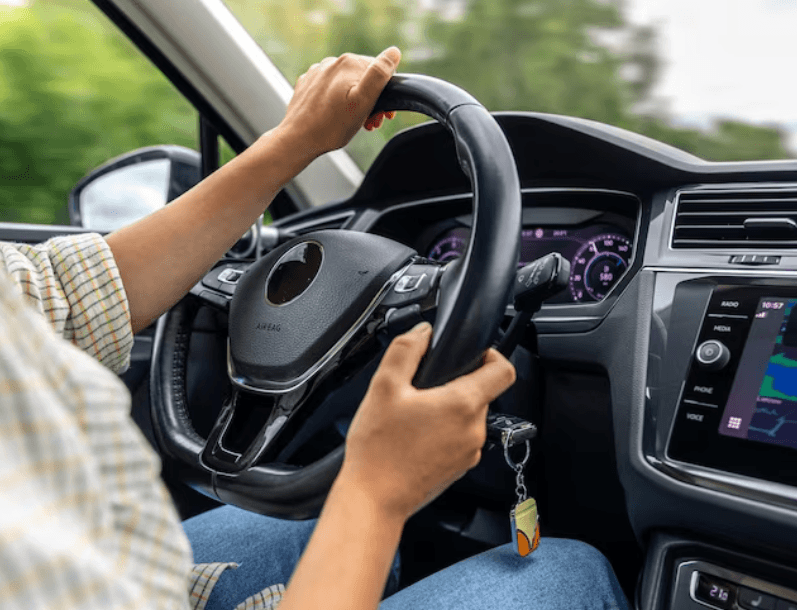
At its core, safe driving mode changes how your phone behaves once you’re behind the wheel. Notifications go quiet. Texts get held instead of popping up mid-drive. The screen stops competing for your attention the moment the car is in motion.
It’s a simple idea, but the details matter. A driving mode that requires you to open an app and switch it on before every trip only works on the days you remember. My Drive Guardian’s version doesn’t ask you to remember anything. It watches for the vehicle moving and takes care of the rest.
Automatic Driving Mode: No Switches, No Reminders
The single biggest reason most driving safety features fail isn’t that they don’t work. It’s that people forget to turn them on. An automatic driving mode solves that by removing the “on” switch from the equation entirely.
My Drive Guardian ties activation to the vehicle itself, not just your phone’s motion sensors. Once the car starts moving, driving mode engages on its own. There’s no app to open at a red light, no toggle buried in settings, no gap where the feature quietly isn’t running because it slipped your mind that morning.
Do Not Disturb While Driving, Done Right
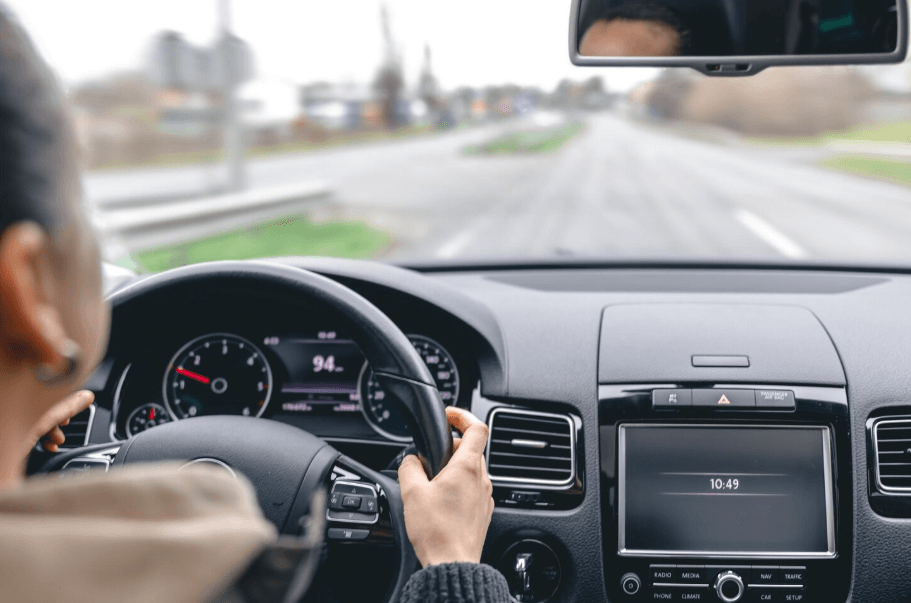
You’ve probably seen some version of do not disturb while driving already, most phones ship with a basic form of it built in. The idea is solid. The execution is often where it falls short.
A lot of built-in do not disturb driving mode settings rely entirely on the phone’s own sensors, which means they can be fooled. A phone left in a passenger’s lap can trigger it by mistake. A phone that isn’t moving fast enough, like in stop-and-go traffic, might not trigger it at all. My Drive Guardian ties detection to the vehicle instead, which cuts down on both problems, fewer false activations, and fewer missed ones.
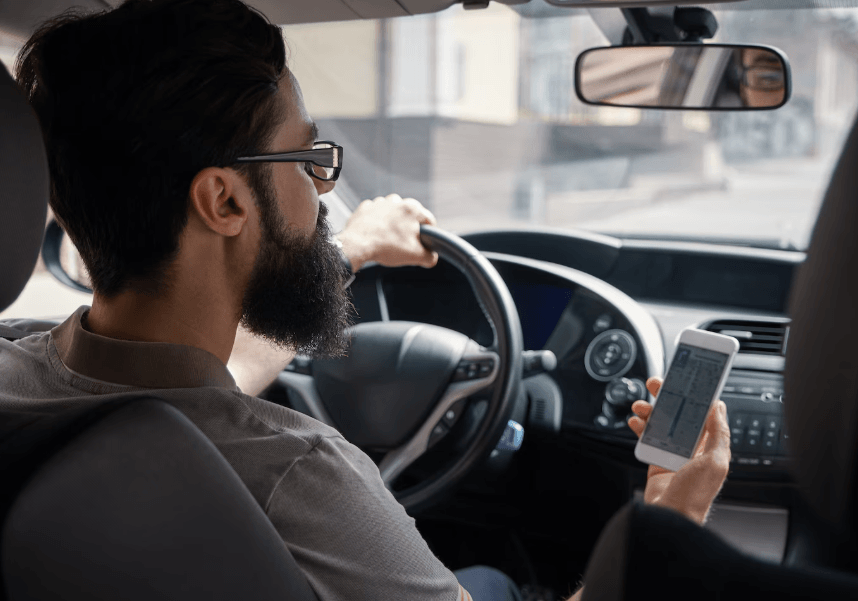
An App to Prevent Phone Use While Driving, Not Just Silence It
There’s a real difference between an app that quiets notifications and an app to prevent phone use while driving in any meaningful way. Silencing a notification doesn’t stop someone from picking up the phone anyway out of habit.
My Drive Guardian’s driving mode goes a step further by actively holding texts and restricting access during the drive, not just muting the sound. The phone genuinely steps back, instead of sitting there quietly tempting you with an unread badge.
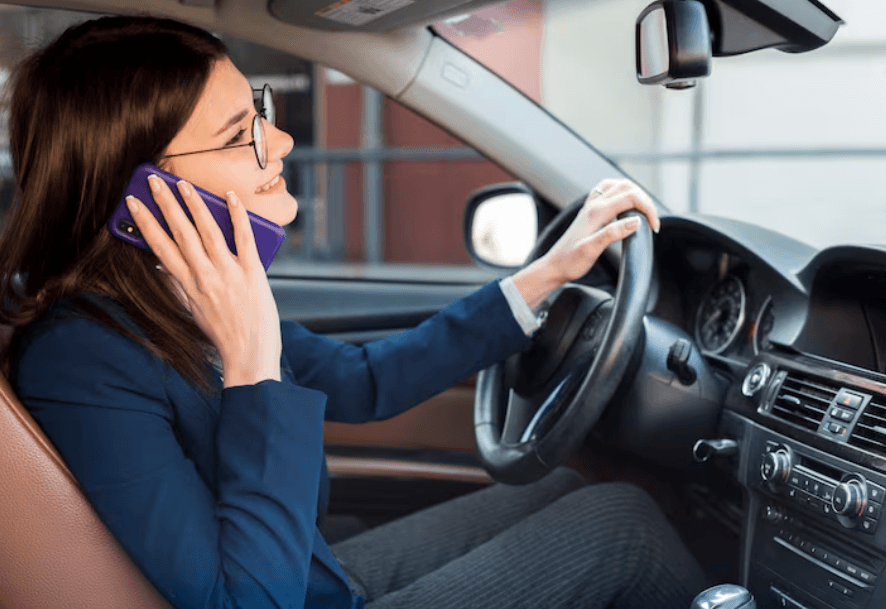
Hands-Free Driving Mode for Calls That Can't Wait
Not every call should wait until you’ve parked. A hands-free driving mode makes sure the calls that do come through can be handled without you ever picking up the phone.
Voice-based controls let you accept a call, and your car’s Bluetooth or speaker handles the rest. Nothing about this requires taking your hands off the wheel or your eyes off the road, which is the entire point of building a driving mode around hands-free access instead of just blocking everything outright.
Phone Driving Mode, Built Around the Vehicle
A lot of phone driving mode features are limited by the fact that they only ever have access to the phone. They can guess you’re driving based on speed and motion, but they can’t confirm it, and they definitely can’t do anything about the vehicle itself.
My Drive Guardian’s driving mode is part of a system that also monitors the vehicle directly, so activation is more reliable, and it’s paired with features a phone-only app was never built to include, like alcohol detection before the car starts and ignition protection if something’s wrong.
Driving Mode App for iPhone: What to Expect
If you’re on iOS, you already have some version of this built in. The driving mode app for iPhone experience through Apple’s own Do Not Disturb While Driving silences notifications and can auto-reply to texts, which is a solid starting point.
My Drive Guardian’s driving mode works alongside that, not against it, adding vehicle-based detection and family visibility that Apple’s built-in feature doesn’t offer on its own. You get the notification quiet you’re used to, plus a layer of protection tied to the vehicle itself.
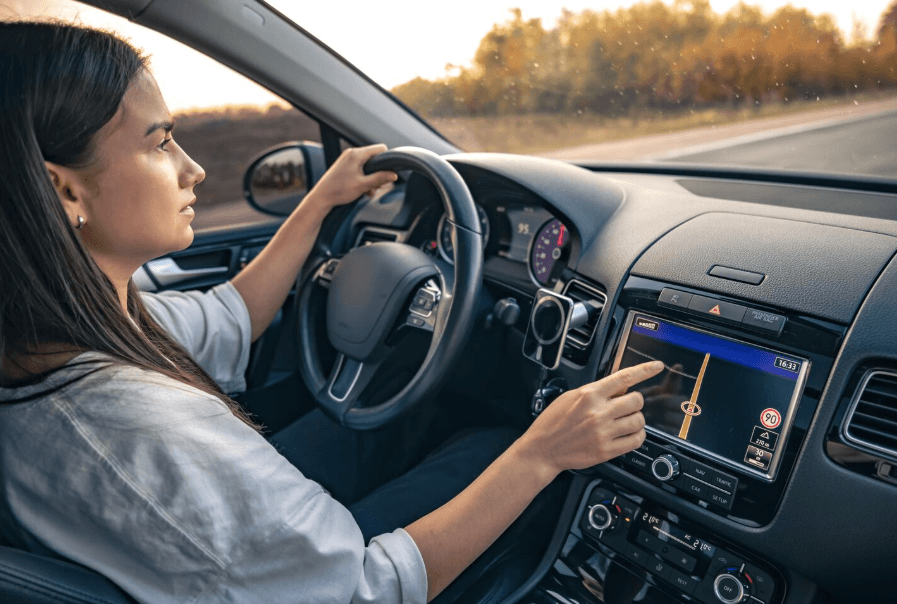
How Driving Mode Fits Into the Bigger Picture
Driving mode handles distraction. It’s one piece of what actually keeps a driver, and the people who care about them, safer on the road.
My Drive Guardian pairs it with alcohol detection and ignition protection, addressing risk that starts before the car even moves. Live location and real-time notifications keep family members informed during the drive, so quieting your phone doesn’t mean losing touch with the people checking on you. Each piece covers a different risk, and together they cover more ground than any single feature could on its own.
What's Included With Driving Mode
01
Automatic Activation
Engages the moment the vehicle starts moving, with nothing for you to switch on.
02
Notifications Held, Not Lost
Texts and alerts wait until the car stops, so nothing important disappears for good.
03
Hands-Free Call Access
Handle calls that matter without touching the phone.
04
Vehicle-Based Detection
Tied to the car itself, reducing false triggers and missed activations that phone-only apps run into.
05
Works With Family Features
Runs alongside live location and family notifications, so staying focused doesn't mean going dark.
FAQ
Frequently Asked Questions
Does driving mode block all notifications, or just texts?
It quiets notifications broadly and specifically holds texts during the drive, while still allowing hands-free call access for anything urgent.
Do I need to turn driving mode on every time I drive?
No. It activates automatically once the vehicle is in motion, based on vehicle detection rather than a manual switch.
How is this different from my phone's built-in do not disturb while driving feature?
Built-in versions rely only on your phone’s sensors, which can misfire or miss activation. My Drive Guardian ties detection to the vehicle itself for more reliable results, and adds features a phone-only tool can’t, like alcohol detection.
Can I still make calls with driving mode active?
Yes. Hands-free driving mode allows voice-based call handling through your car’s Bluetooth or speaker system.
Will my family know I'm driving safely if my phone is quiet?
Yes. Live location and real-time notifications continue working independently, so your family stays informed even while your phone stays out of the way.
Is there a separate driving mode app for iPhone, or is it built into My Drive Guardian?
Driving mode is built directly into the My Drive Guardian system and works alongside Apple’s native Do Not Disturb While Driving feature, rather than replacing it.
Let Your Phone Handle Itself
You shouldn’t have to remember to be safe. My Drive Guardian’s driving mode takes over automatically, every drive, so your attention stays on the road and your family stays in the loop.