
- Text Blocking
Text Blocker App to Help Prevent Texting While Driving
Many drivers do not intend to text while driving. A quick glance at a notification or an incoming message can become a distraction. A text blocker can help reduce this temptation by restricting access to messages while driving.
My Drive Guardian offers a text-blocking feature for Android users, designed to help reduce message-related distractions while driving. Availability and operation depend on device compatibility and feature settings, so check the setup requirements to understand how it works on your phone.
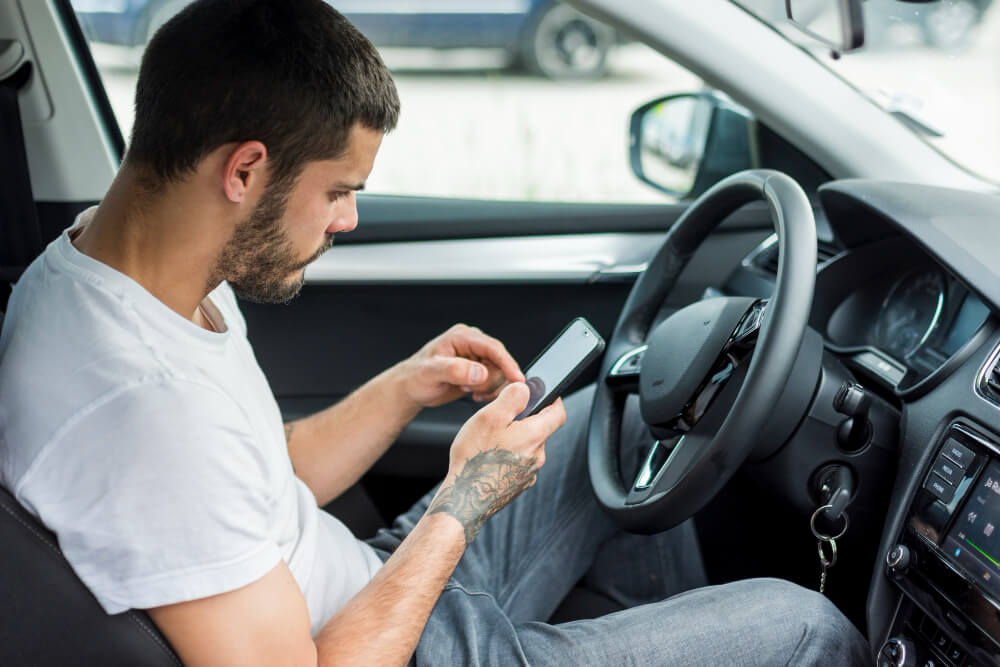
Why Self-Control Isn’t Enough to Stop Texting While Driving
Nobody plans to look at their phone at 60 miles an hour. It happens in the moment, out of habit, faster than a conscious choice. That’s why an app to prevent texting while driving that depends on willpower alone tends to fail. It asks a driver to make the right call in the split second they’re least able to.
Text blocking offers another way to manage this distraction. Rather than relying only on a driver’s willpower, a compatible app can restrict access to messages under the conditions supported by its settings. Drivers should understand how the feature operates before relying on it.
How My Drive Guardian Supports Text Blocking on Android
Not every text blocker works in the same way. Some tools rely on phone settings, manual activation, or features that vary by device. Before choosing one, drivers and families should understand when blocking starts, which notifications it affects, and what happens when the journey ends.
My Drive Guardian offers text blocking on compatible Android devices to help users manage message-related distractions while driving. The feature is not available on iOS. Before using it, check the setup requirements and understand which messaging activities are restricted.
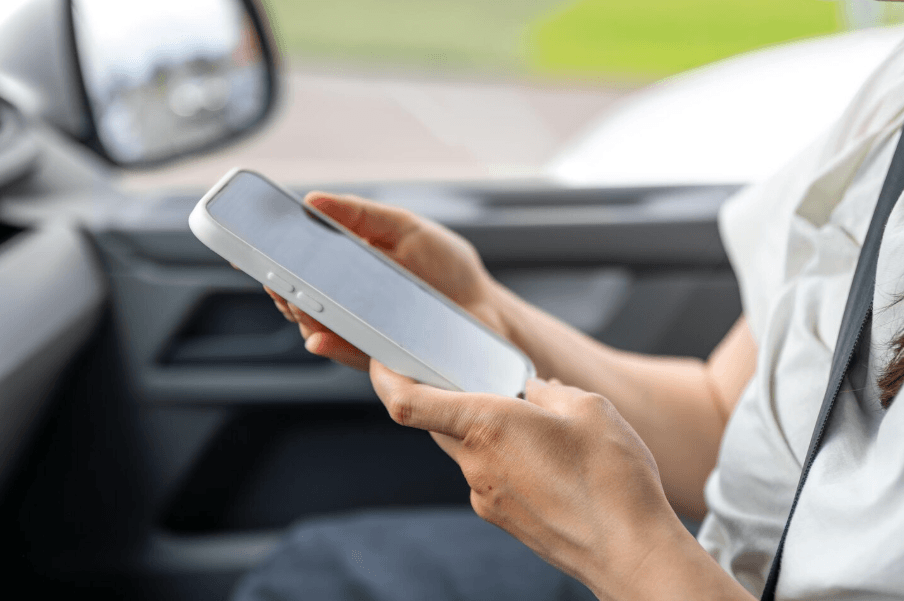
How Text Blocking Works, Start to Finish
Setting this up takes a few minutes, and after that, it runs on its own.
01
The vehicle triggers it, not the driver.
Once My Drive Guardian detects the car is in motion, text access is restricted automatically.
02
Nothing important disappears.
Messages and notifications are held during the drive, not deleted or lost. They're simply delayed until it's safe to check them.
03
It turns off just as automatically.
The moment the vehicle stops, normal phone access returns right away.
That’s the full answer to how to block texts while driving without adding a single extra habit to remember.
Who Benefits Most From Text Blocking?
Reducing phone distraction can support different driving needs, from helping new drivers build good habits to reinforcing safety expectations across a business.
New drivers: Text message blocker while driving can help young drivers develop a stronger habit of keeping their attention on the road instead of reacting to every notification.
Parents and families: Text blocking can be one part of a wider approach to family driving safety. Parents can combine appropriate phone settings, clear family rules and driver education to encourage young drivers to avoid messaging behind the wheel.
Fleet managers: Businesses can explore text-blocking tools as part of a broader distracted-driving policy. Clear rules, driver education, and an understanding of how the technology operates remain important to effective implementation.
Whoever is driving, the goal is the same: reduce phone-related distractions and keep attention on the road.
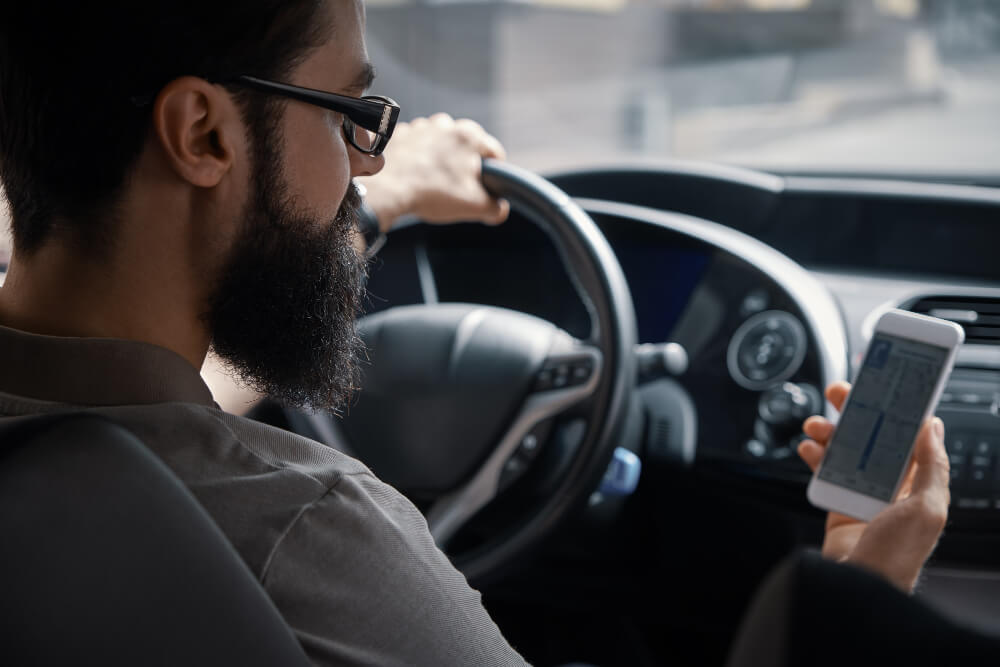
Text Blocker App vs. Other Ways to Manage Driving Distractions
Most anti texting while driving app products solve one problem: they stop texting. That’s useful, but distraction isn’t the only risk on the road, and a text blocker alone doesn’t touch the others.
My Drive Guardian provides text blocking for compatible Android users. Other distraction-management options may include built-in phone driving modes, notification controls and separate driver-safety tools. Compare how each option works, which activities it restricts and whether it supports your device before choosing a solution.
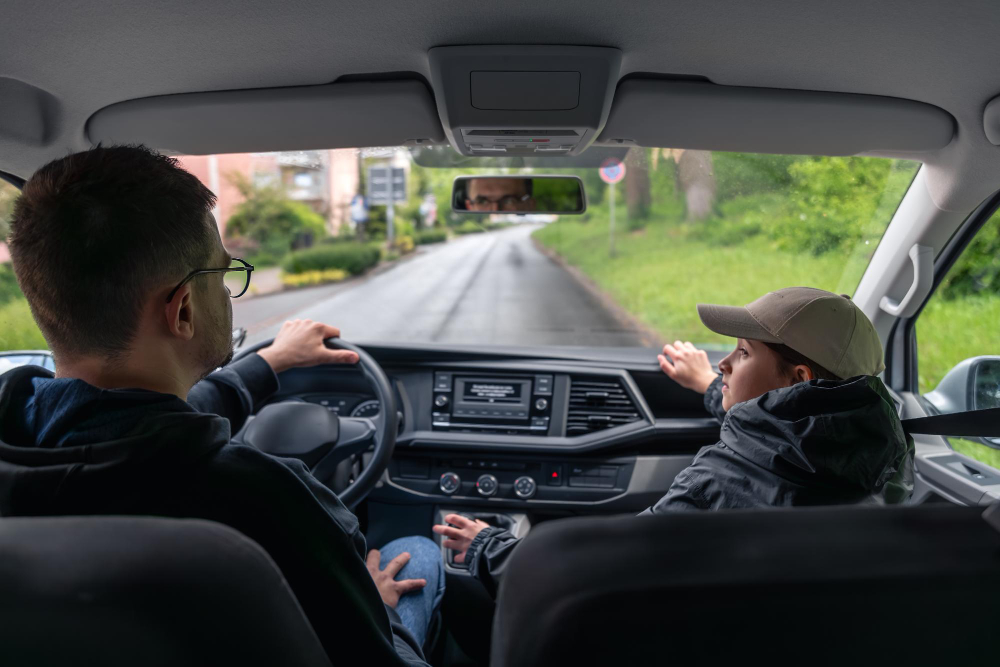
Supporting Family Visibility While Reducing Distraction
Families may want to reduce phone distraction without losing sight of their wider driving-safety needs. These are related concerns, but they do not have to be handled through the same feature.
My Drive Guardian offers text blocking on compatible Android devices. Families can use this feature as one part of a broader approach to reducing message-related distractions, alongside clear driving rules and open conversations about responsible phone use.
For parents, the goal is to support safer driving habits while using appropriate tools to stay informed. Text blocking addresses message-related distractions, while phone-based GPS location sharing provides a separate way for families to stay connected.
How to Introduce Text Blocking to Your Family or Team
A new tool lands better when people understand why it’s there. A few steps help:
- Explain the reason. Texting takes eyes, hands, and attention off the road.
- Agree on the plan together, including how people can be reached when it matters.
- For Android users, follow the setup instructions and check that text blocking works as expected before relying on it during a journey
- Revisit after a few weeks and adjust whatever isn’t working.
For families, have the conversation at the kitchen table. For fleets, fold it into your written driver policy. Either way, the best app to block texting while driving works best when everyone understands it.
What’s Included in the Text Blocker App
01
Automatic Vehicle-Based Detection
Activates the moment the car starts moving, with no manual setup needed per trip.
02
Held, Not Lost, Notifications
Texts wait safely until the vehicle stops, so nothing important disappears.
04
Works Alongside Family Visibility
Runs together with live location and real-time family notifications.
04
No Daily Setup
Configure it once, and it applies to every drive going forward.
05
Part of a Larger Safety System
Paired with alcohol detection and ignition protection for coverage that goes beyond distraction alone.
FAQ
Frequently Asked Questions
Is this suitable for a commercial fleet’s distracted driving policy?
Text blocking can support a commercial fleet’s distracted-driving policy by helping reduce access to messages while driving. It should be combined with clear driver expectations, education and a review of device compatibility and setup requirements.
How does text blocking while driving work?
Text-blocking tools work differently depending on the product and its settings. My Drive Guardian’s text-blocking feature is available only on Android. Check the setup requirements to understand how the feature operates and which messaging activities it restricts.
How to prevent texting while driving every single trip?
Plan your route before setting off, silence unnecessary notifications and keep your phone out of reach. A compatible text-blocking app can provide additional support, but drivers should check how its activation settings work.
What are the benefits of blocking texts while driving?
Text blocking can help reduce the temptation to read or respond to messages while driving. It may support better phone habits, but drivers should still avoid other distractions and keep their attention on the road.
How does texting while driving affect road safety?
Texting takes your eyes, hands, and attention off driving at once. NHTSA says reading or sending a text takes your eyes off the road for about five seconds, which at 55 mph covers roughly the length of a football field.
Can apps block text messages while driving?
Yes. Some apps silence notifications, while others restrict access to messaging features under specified conditions. My Drive Guardian offers text blocking on compatible Android devices. Check its setup requirements to understand how the feature is activated and what it restricts.
How to reduce phone distractions while driving?
Set your route before you start, silence notifications and keep your phone out of reach. A compatible text-blocking app can provide additional support, depending on its activation settings.
What technology prevents texting while driving?
Phone driving modes and text-blocking apps use different approaches to managing phone distraction. My Drive Guardian offers text blocking on compatible Android devices. When comparing options, check how each one is activated, what it restricts and which devices it supports.
How can parents prevent teens from texting while driving?
Start by agreeing on clear phone-free driving rules and setting a good example. An appropriately configured text blocker can provide additional support for compatible Android users. My Drive Guardian’s text-blocking feature is Android-only, so confirm device compatibility and setup requirements before choosing it for a teen driver.
How to encourage hands-free driving habits?
Set your route before leaving, avoid handling your phone while driving and use hands-free features only where permitted. Remember that hands-free use can still cause distraction, so keep your attention on driving and lead by example.
Remove the Temptation, Not Just the Warning
Better driving habits start with the right support. Explore how My Drive Guardian’s Android text-blocking feature can help reduce message-related distractions while driving.