- Employee Driving Monitoring
Driver Safety Technology for Better Workplace Road Safety
A company vehicle accident can bring repair costs, insurance concerns, lost work time, and serious consequences for employees. Driver safety technology can help businesses manage some aspects of workplace driving by providing useful information and supporting clear safety procedures. The right approach combines suitable tools with driver training, communication, and consistent policies.
My Drive Guardian is phone-based driver safety technology that helps businesses stay connected with employees and fleet drivers through GPS location tracking and fleet tracking. Both iOS and Android users can access these base features for free, along with a free desktop tracking page and group invitations. Android users also have access to driving scores, driving behaviour tracking, and the AI Safety Coach. No additional in-vehicle hardware is required.
Why Workplace Driving Safety Can't Be an Afterthought
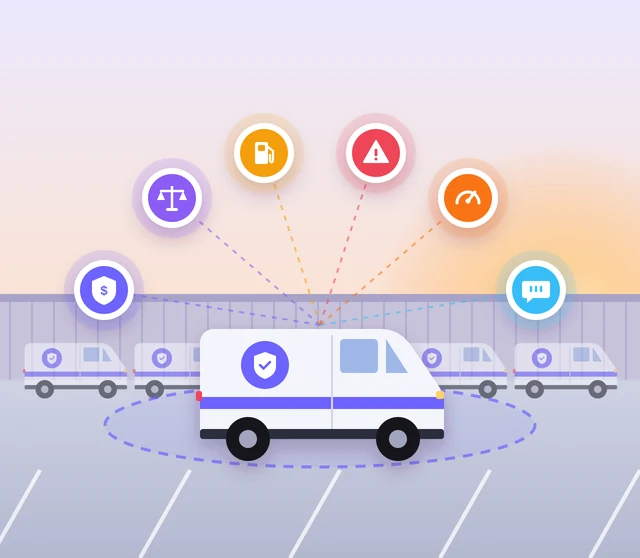
Any company with employees behind the wheel, whether it’s two delivery vans or two hundred service trucks, carries risk the moment those keys leave the office. Workplace driver safety isn’t just about avoiding accidents. It’s about liability exposure, insurance costs, fuel waste, and the simple fact that a company vehicle with your logo on it reflects directly on the business.
Most companies find out their workplace driving safety program has a gap after something already went wrong: a near miss that could have been worse, a spike in the insurance renewal, a customer complaint about a driver going too fast in a residential street. My Drive Guardian can support a workplace driving safety program with GPS tracking on iOS and Android, alongside driving scores, behavior tracking, and the AI Safety Coach on Android.
What a Driver Monitoring System Actually Tracks
The features included in a driver monitoring software solution vary by provider. Some systems offer detailed telematics or in-cab monitoring, while others focus on vehicle location, alerts, and specific safety safeguards. Businesses should understand exactly what a platform records before choosing one.
My Drive Guardian offers features that can support workplace driving oversight:
GPS Location Tracking
View connected drivers' locations through the app on iOS and Android.
Free Desktop Tracking Map
Access the tracking map from a desktop to view connected drivers' location information on a larger screen.
Group Invitations
Connect employees or drivers through an invitation code, link, or QR code.
Driving Scores and Behaviour Tracking
Android users can access driving scores and driving behavior information to support discussions about driving practices.
AI Safety Coach
Android users can access the AI Safety Coach as an additional driving support feature.
These features give businesses access to driver location information and, on Android, additional driving insights. They can be considered alongside company policies, driver feedback, and regular safety reviews.
Driver Behavior Monitoring: Supporting Safer Driving Practices
Driver behavior monitoring can mean different things depending on the technology used. Some platforms record events such as speeding, harsh braking, or idling, while others provide a more limited view of vehicle activity. Businesses should confirm which events a provider actually measures rather than assuming every system tracks the same information.
My Drive Guardian provides GPS tracking on iOS and Android, while Android users can also access driving scores, driving behavior tracking, and the AI Safety Coach. Businesses can consider these features alongside incident reports, employee feedback, driver training, and an established safety policy when reviewing workplace driving safety.
A structured driver behavior monitoring software solution may be useful when a business needs specific driving-event data, but those capabilities should be verified before purchase. Similarly, driver performance monitoring should be based on information the system actually collects, rather than assumptions about a driver’s speed, braking, or idling.
The aim is to create a fair, practical process for addressing safety concerns. Clear expectations, consistent procedures, and constructive conversations help employers support drivers without turning monitoring into unnecessary micromanagement.
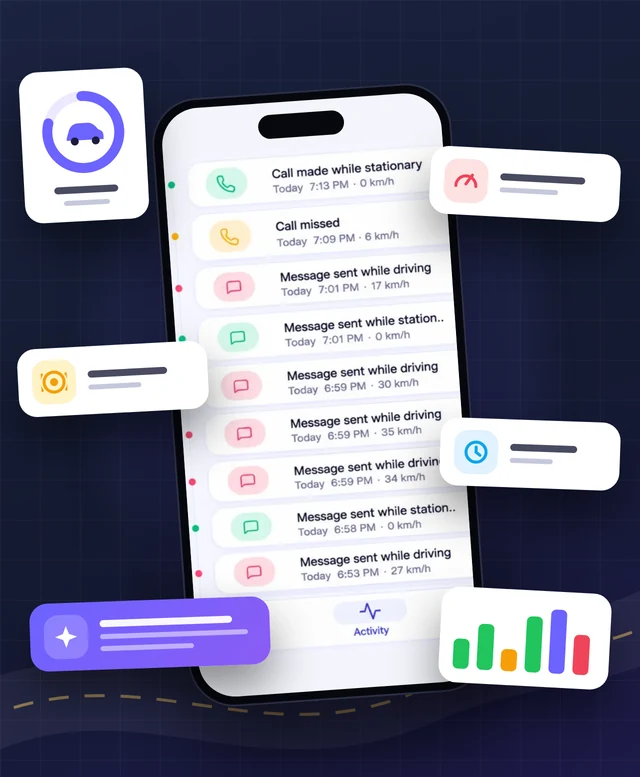
Driver Safety Software vs. Basic GPS Tracking
Basic GPS tracking can help a business understand vehicle location and review available route history. However, location alone does not provide every safeguard a workplace driving policy may require.
When comparing driver safety software, look beyond the map and consider whether the system supports your business’s specific safety needs.
Feature | Basic GPS Tracking | My Drive Guardian |
GPS location tracking | Depends on provider | Available on iOS and Android |
Desktop tracking map | Depends on provider | Free desktop tracking map |
Group invitations | Depends on provider | Code, link or QR code |
Driving scores | Depends on provider | Android only |
Driving behavior tracking | Depends on provider | Android only |
AI Safety Coach | Depends on provider | Android only |
The right choice depends on the risks your business needs to address. If you need detailed speeding, harsh-braking, or idling reports, ask providers to demonstrate those functions specifically, as they are not confirmed features of My Drive Guardian.
Building a Company Driver Safety Program That Actually Works
A company driver safety program needs more than a policy printed in an employee handbook. It requires clear expectations, appropriate training, and regular reviews.
Businesses can use suitable technology to support conversations about workplace driving practices. My Drive Guardian’s location and Android driving features can complement employee communication, driver training, and consistent safety procedures.
Combining suitable technology with driver training, employee communication, and consistent safety procedures can help businesses take a more structured approach to workplace driving safety.
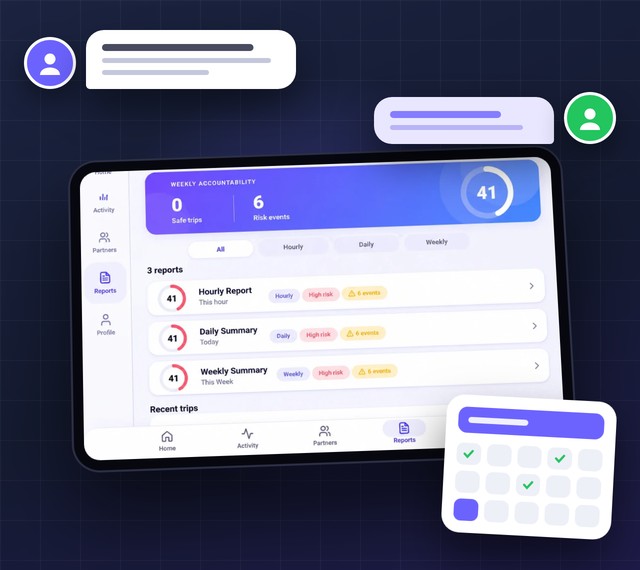
Driver Safety Solutions for Fleets of Different Sizes
Businesses with a small number of company vehicles and those managing larger teams can benefit from clear workplace driving procedures and suitable tracking tools. My Drive Guardian provides free GPS location tracking and fleet tracking on both iOS and Android. Businesses can use the mobile app to view connected drivers’ locations and manage their driver groups. All base features are free, including access to the desktop tracking page and group invitations.
The desktop tracking page gives managers another way to view connected drivers’ locations on a larger screen. Employees and drivers can join groups through an invitation code, link, or QR code. Android users also have access to driving scores, driving behavior tracking, and the AI Safety Coach. These additional features can support discussions about driving habits alongside workplace policies and driver training.
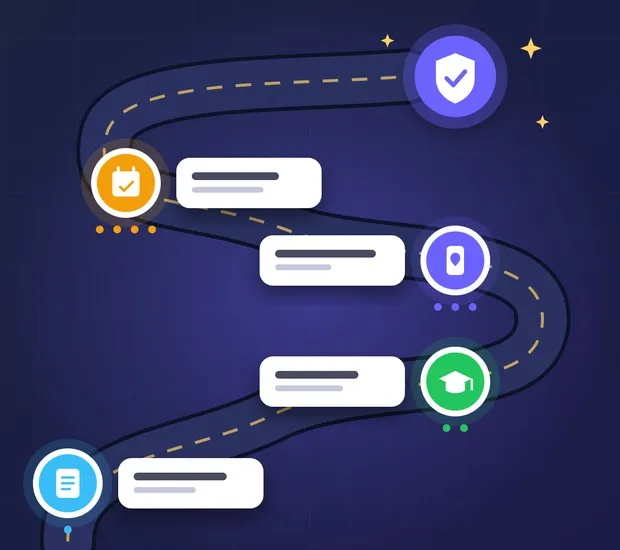
What Businesses Can Access With My Drive Guardian
My Drive Guardian brings together a set of free tracking and group features that businesses can use to stay connected with their employees and fleet drivers. The core features work on both iOS and Android, while Android users have access to additional driving-related tools
01
Free GPS Location Tracking
Keep track of connected employees and drivers through GPS location information available in the mobile app. This gives businesses a convenient way to stay informed about their teams on the road.
02
Free Fleet Tracking on iOS and Android
Manage connected drivers across your fleet using the app on either platform. Fleet tracking gives businesses a shared view of driver locations without requiring separate in-vehicle tracking equipment.
03
Free Desktop Tracking Page
Prefer a larger screen when checking fleet information? The desktop tracking page lets businesses access connected driver locations from a computer, providing another way to keep track of their teams.
04
Free Group Invitations
Getting employees connected is straightforward. Businesses can invite drivers to join a group using a code, a shareable link, or a QR code.
05
Additional Android Driving Features
Android users get access to driving scores and driving behavior tracking. These features offer additional information about driving habits that can be useful when discussing performance and encouraging safer practices.
06
Android AI Safety Coach
The AI Safety Coach adds another layer of driving-related support for Android users, offering guidance that can help them reflect on their driving habits.
Businesses can use these tools as part of their wider approach to fleet management, with driver communication, training and workplace safety policies continuing to play an important role.
Frequently Asked Questions About Employee Driving Monitoring
Q: What is employee driver monitoring?
Employee driver monitoring is the practice of using technology and workplace procedures to understand relevant aspects of employees’ driving activity. Depending on the tools used, this may include vehicle location and driving-related information. The information can help businesses review their safety procedures and support driver training.
Q: How does employee driving monitoring work?
Employee driving monitoring uses selected technology to collect and present information about work-related driving. With My Drive Guardian, businesses can use GPS tracking and a desktop tracking map to view connected drivers’ locations. Android users can also access driving scores, driving behavior tracking, and the AI Safety Coach.
Q: How can companies monitor employee drivers?
Companies can combine a clear workplace driving policy with suitable monitoring tools. My Drive Guardian provides GPS tracking, a desktop tracking map, and group invitations on iOS and Android. Android users also have access to driving scores, driving behavior tracking, and the AI Safety Coach.
Q: How does driver monitoring improve workplace safety?
Driver monitoring can give businesses information to support safety reviews and discussions with employees. The information available depends on the system being used. My Drive Guardian provides GPS tracking on iOS and Android, with additional driving insights available through its Android features. These tools can complement driver training and workplace safety policies.
Q: What are the benefits of employee driver monitoring?
Employee driver monitoring can help businesses maintain relevant location information, review available driving-related data, and support conversations about workplace safety. With My Drive Guardian, businesses can access GPS tracking, a free desktop tracking map, and group invitations. Android users can also access driving scores, driving behavior tracking, and the AI Safety Coach. These tools can complement, but do not replace, driver training and a clear company safety policy.
Q: What does employee driving monitoring track?
The information collected depends on the monitoring tool. My Drive Guardian provides GPS location tracking on iOS and Android. Android users can also access driving scores and driving behavior tracking.
Q: How can companies reduce employee driving risks?
Companies can reduce employee driving risks by setting clear driving expectations, providing regular training, reviewing relevant safety information, and encouraging open communication with employees.
Protect Your Fleet, Your Drivers, and Your Business
Combine GPS tracking and available Android driving insights with clear workplace policies and driver training. My Drive Guardian gives businesses practical tools to help keep connected drivers and teams informed.
Ready to see how it fits your fleet? Book a demo, and our team will walk you through it.